
![ASUS Chromebook Review CX1405: Best Budget Laptop For Student [2026]](https://topbuyingidea.com/wp-content/uploads/2026/03/ASUS-Chromebook-CX1405-2026.jpg)
- Product Analyst
- March 12, 2026
- No Comments
Finding the best budget Chromebook India 2026 is about balancing speed and display quality. My research summary of the ASUS Chromebook review highlights a standout device for learners. This ASUS Chromebook CX1405 brings a surprisingly crisp visual experience to the entry-level market. When comparing the ASUS CX1405 vs HP Chromebook 14, the 2026 ASUS model leads the pack. It remains the best laptop for students under 25000 for high-definition streaming and research.
Affiliate Disclosure: I may earn a small commission from qualifying purchases made through my links in this ASUS Chromebook review
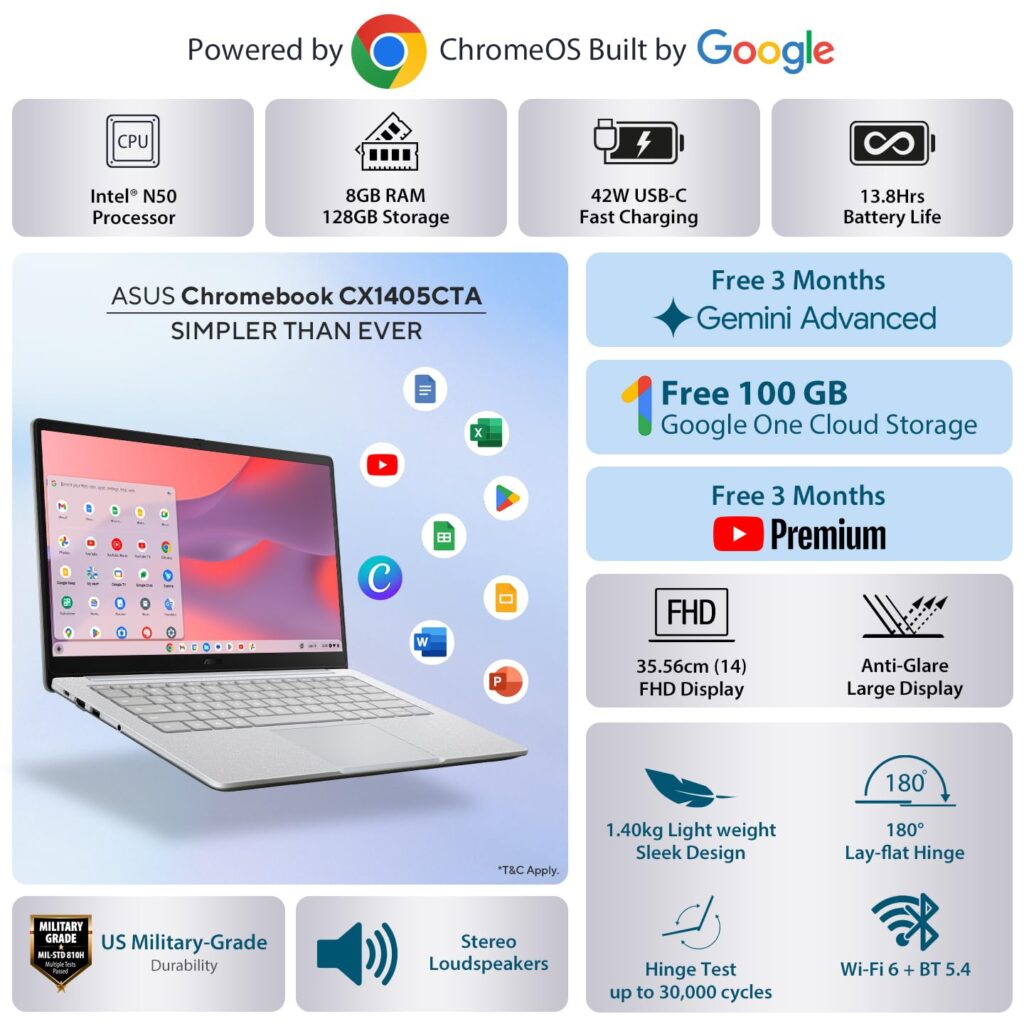
ASUS Chromebook Review: Key Specifications
Let’s start the ASUS Chromebook review with specifications
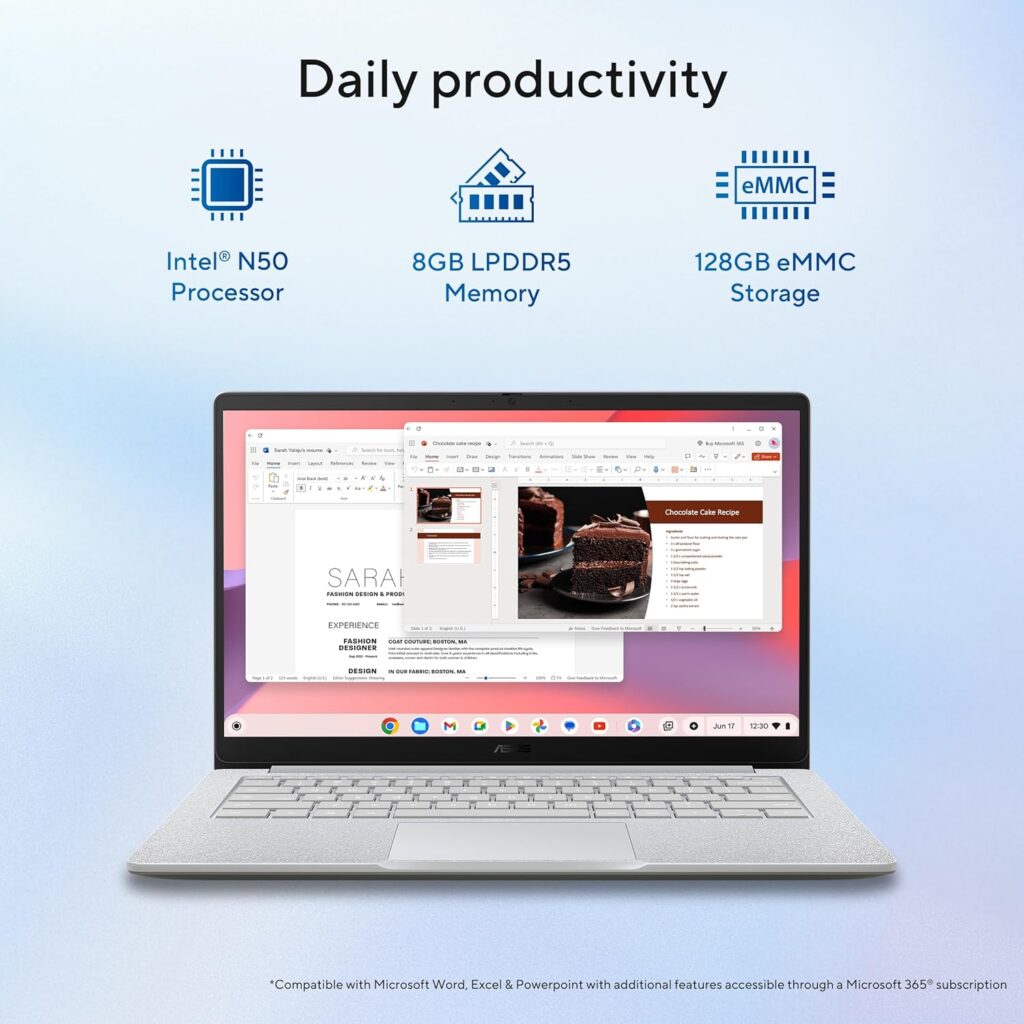
Processor: Intel N50 (up to 3.4 GHz, 2 cores).
Graphics: Intel UHD Graphics (Integrated).
Memory: 8GB LPDDR5 RAM.
Storage: 128GB SSD.
Display: 14-inch FHD (1920×1080) Anti-glare, 300 nits.
Battery: 42WHrs (Up to 12 hours life).
Weight: 1.39 Kg (Thin & Light).
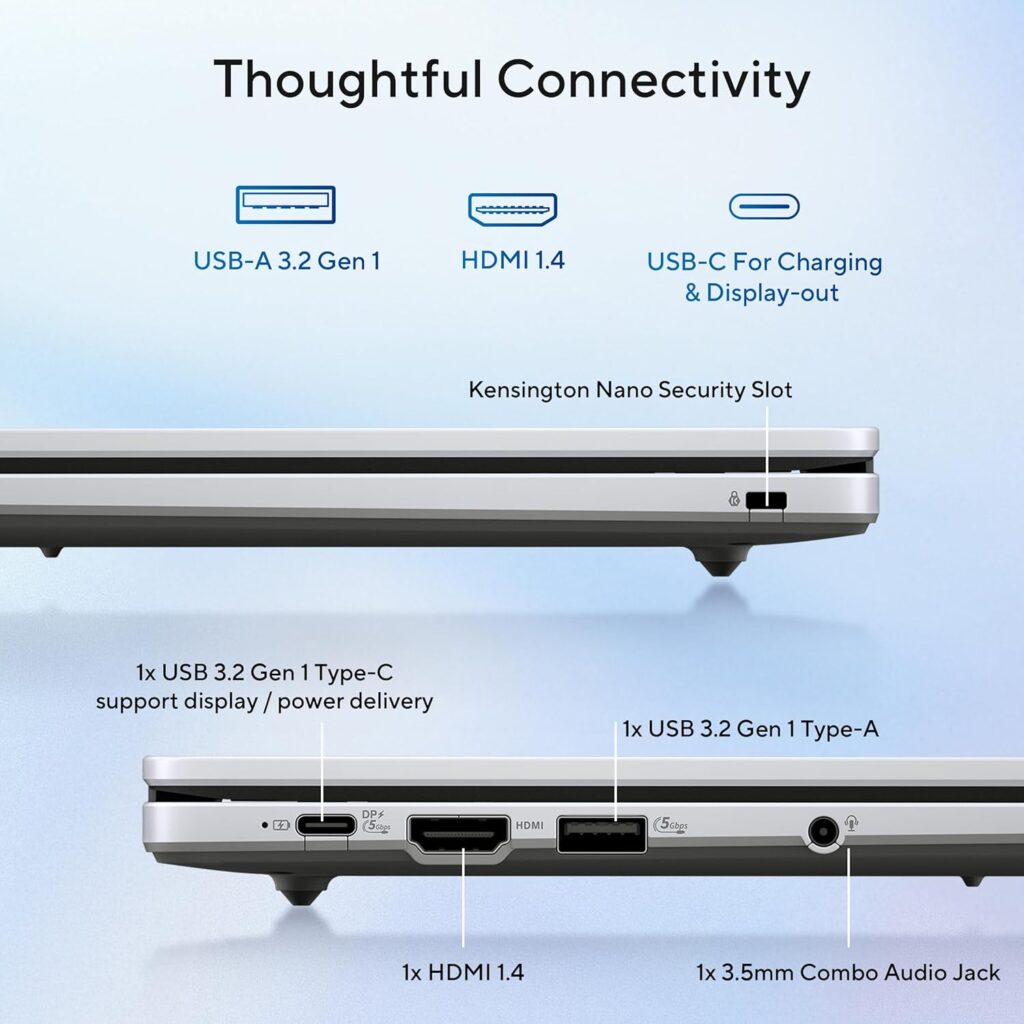
Ports: 2x USB-C, 1x USB-A, 1x HDMI 1.4.
OS: Chrome OS with Gemini AI.
Chromebook: Smart Features for Modern Learning
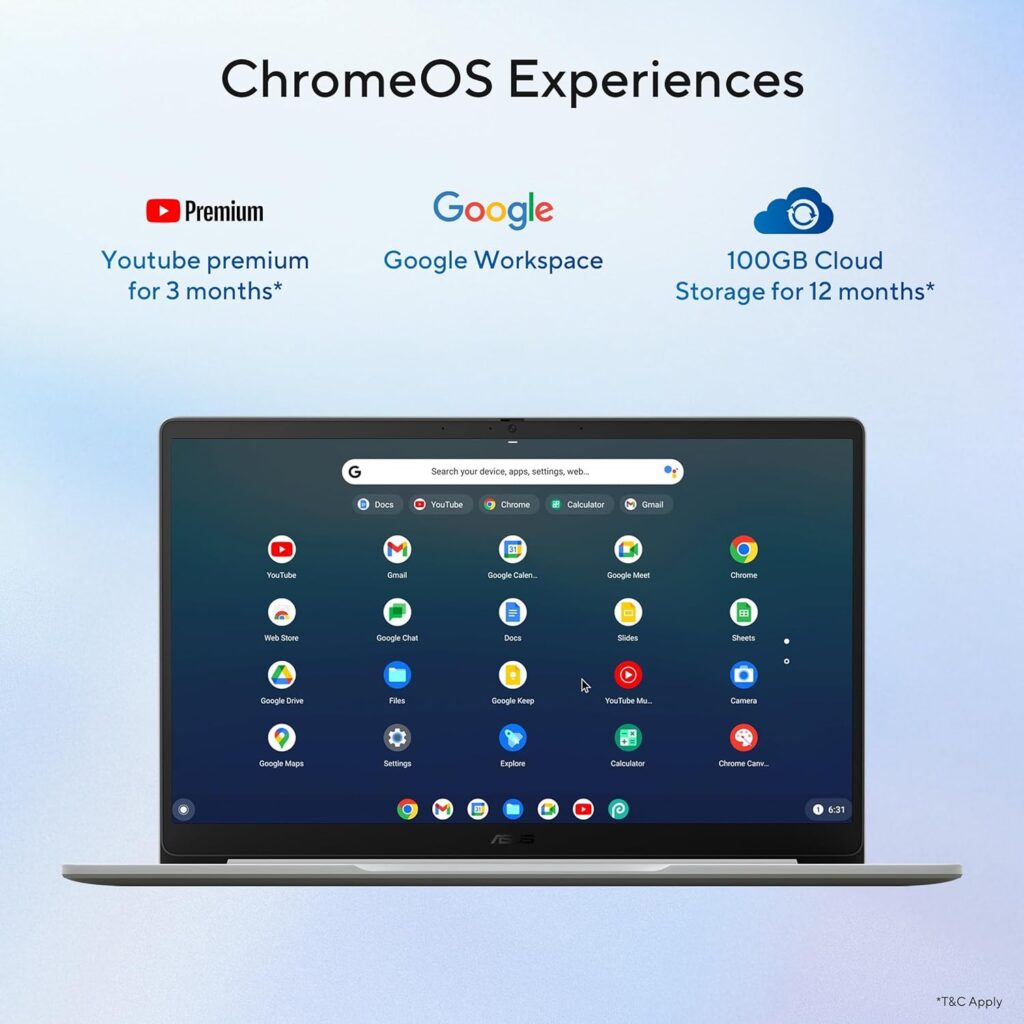
ASUS Chromebook review confirms that, the Chrome OS experience in 2026 has evolved into a powerhouse for efficiency. It is designed to be lean, starting up in under 10 seconds. For students, the “everything button” now serves as a gateway to deep system searches. This makes finding class notes or web resources incredibly fast and intuitive.
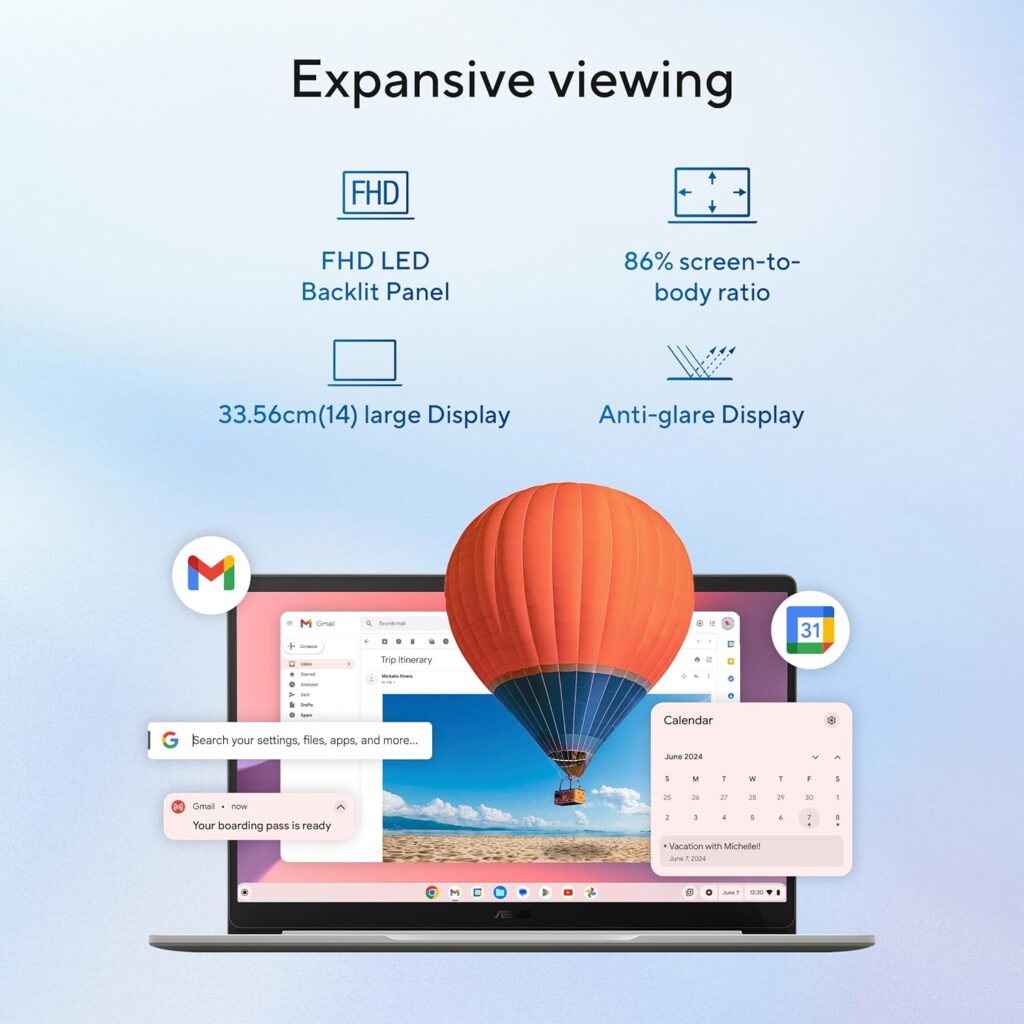
ASUS Chromebook CX1405: UHD Experience Display
The Intel N50 processor provides the heart of this machine’s reliable performance. While the display resolution is FHD (1920 x 1080), the Intel UHD iGPU handles graphics with impressive clarity. This integrated chip allows for smooth playback of high-bitrate video content on the 14-inch screen. You get 8GB RAM, ensuring that even 4K YouTube streams don’t stutter during multitasking. ASUS Chromebook review confirms that, this is a winning feature for students.
Why Chrome OS Empowers Students
Students benefit from the lightning-fast 10-second boot times of Chrome OS. This lightweight system saves all work automatically to Google Drive in real-time. Built-in Titan C2 security keeps your data safe without needing extra antivirus software. Integrated Gemini AI can even summarize lecture notes or draft study guides instantly.
ASUS Chromebook: Built-in AI and Gemini Integration
This model comes ready with Gemini in Chrome, acting as a personalized browsing assistant. You can summarize long research papers or draft complex emails directly in the side panel. It even features Nano Banana 2 for on-the-fly image editing. These Google AI perks are specifically tuned to help you multitask without ever switching tabs. ASUS Chromebook review confirms that this is the highlight deal of ASUS Chromebook CX1405.
Chromebook CX1405: Unmatched Security for Peace of Mind
Security is handled at the hardware level with the Titan C2 security chip. This dedicated silicon protects your identity and ensures the system remains virus-free. Because Chrome OS uses sandboxing, every tab is isolated from the rest of the system. This means a threat in one window cannot infect your entire laptop.
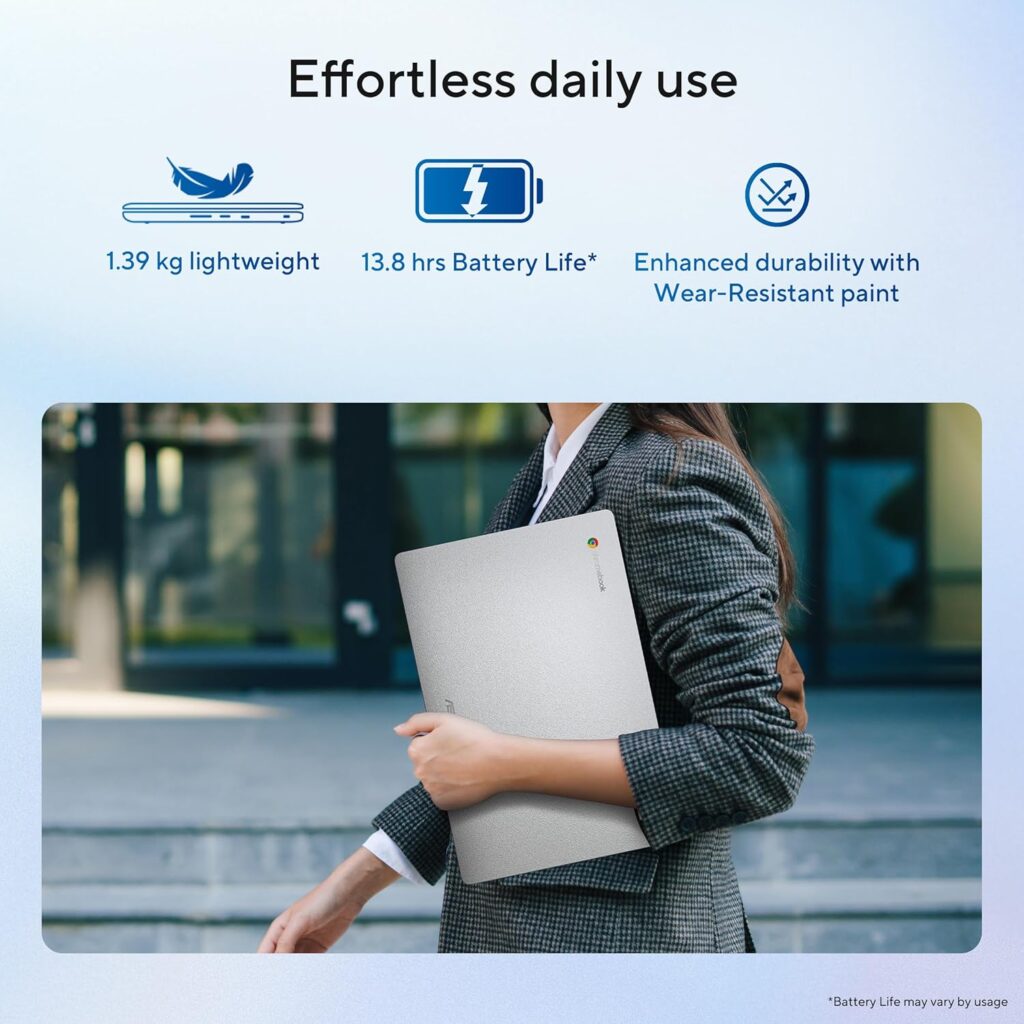
ASUS Chromebook CX1405: Ease of Use for Students
Automatic Updates: The system updates silently in the background without interruptions.
Google Classroom Ready: Deep integration with education tools makes submitting assignments a breeze.
Family Link: Parents can easily set screen time limits and manage content access.
Offline Mode: Students can continue working on Google Docs even without an active internet connection.
ASUS CX1405 vs HP Chromebook 14
Choosing between the ASUS CX1405 vs HP Chromebook 14 often comes down to portability. The ASUS model is noticeably lighter at 1.39 kg. It often provides a sharper FHD screen at lower price points. HP models sometimes offer larger speakers but can be bulkier. Overall, ASUS delivers better value for students needing a mobile study partner.
ASUS Chromebook Review: Pros and Cons
Pros
- Intel UHD Graphics offer great support for student creative projects.
- The 300 nits brightness makes the screen easy to read in cafes.
- 86% screen-to-body ratio provides an immersive, expansive viewing experience.
Cons
- The NTSC: 45% color gamut is standard but not for professional grading.
- The keyboard lacks a backlight, which might hinder late-night typing.
ASUS Chromebook Review: Final Verdict
Finally the verdict for ASUS Chromebook review The ASUS CX1405 (2026) isn’t just a laptop; it’s a productivity hub. It manages to deliver premium AI features and enterprise-grade security at a student-friendly price point. If you value a fast, secure, and smart experience, this is the machine for you.
FAQs About ASUS Chromebook CX1405
Does the ASUS Chromebook CX1405 review mention AI features for India?
Yes, it includes the latest Gemini 3.1 model with support for 8 Indic languages like Hindi and Gujarati.
Is the ASUS CX1405 vs HP Chromebook 14 debate settled by security?
The ASUS stands out with its Titan C2 chip, offering layers of protection that keep hackers at bay.
How does the best budget Chromebook India 2026 handle student privacy?
ASUS Chromebook features a physical webcam shutter, giving you total control over your visual privacy.
Why is ASUS Chromebook the best laptop for students under 25000 for research?
You can use Select to search with Lens to identify items in photos without leaving your current page.
Does Chrome OS support Microsoft 365 for university assignments?
Absolutely, you can run Word, Excel, and PowerPoint via the web or Android apps seamlessly.
Is it easy to set up my new ASUS Chromebook?
Setting up is as simple as signing into your Google account; all your files and photos sync instantly.
Can I use AI to help with my homework on ASUS Chromebook?
Yes, the built-in AI can summarize web content and even help you create practice quizzes for exams.
Did you find this ASUS Chromebook review useful?
Which AI feature are you most excited to try out? Drop a comment below and let’s discuss how it could change your study routine!
For more Laptop ideas, click here
#ASUSChromebook #StudentTech #ChromeOS #GeminiAI #SafeBrowsing #IndiaTech

Product Analyst
Twenty years from now you will be more disappointed by the things that you didn’t do than by the ones you did do. Sail away from the safe harbor.