
- The Product Research Group
- February 4, 2026
- No Comments
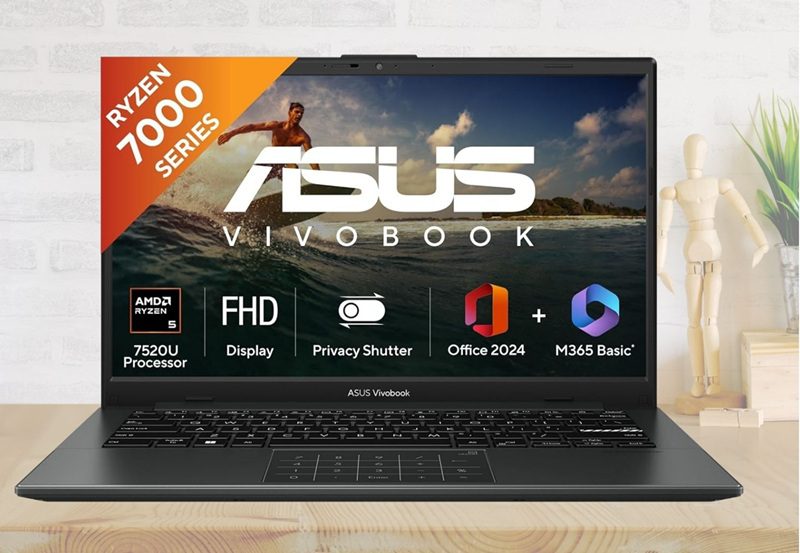
Finding a reliable laptop often feels like a difficult chore for many users today. Most budget options are slow or simply too heavy to carry around daily. This ASUS Vivobook Go 14 review explores a rare middle ground for everyone. It balances speed and portability perfectly for modern Indian students and busy professionals. This Thin & Light Laptop features an AMD Ryzen 5 7520U processor for consistent power. You get 16GB RAM and a 512GB SSD for smooth multitasking performance. The FHD 14-inch screen and Mixed Black finish look very professional and sleek. It even includes Office Home 2024 and Win11 to help you start working immediately.
ASUS Vivobook Go 14 Key Specs and Features
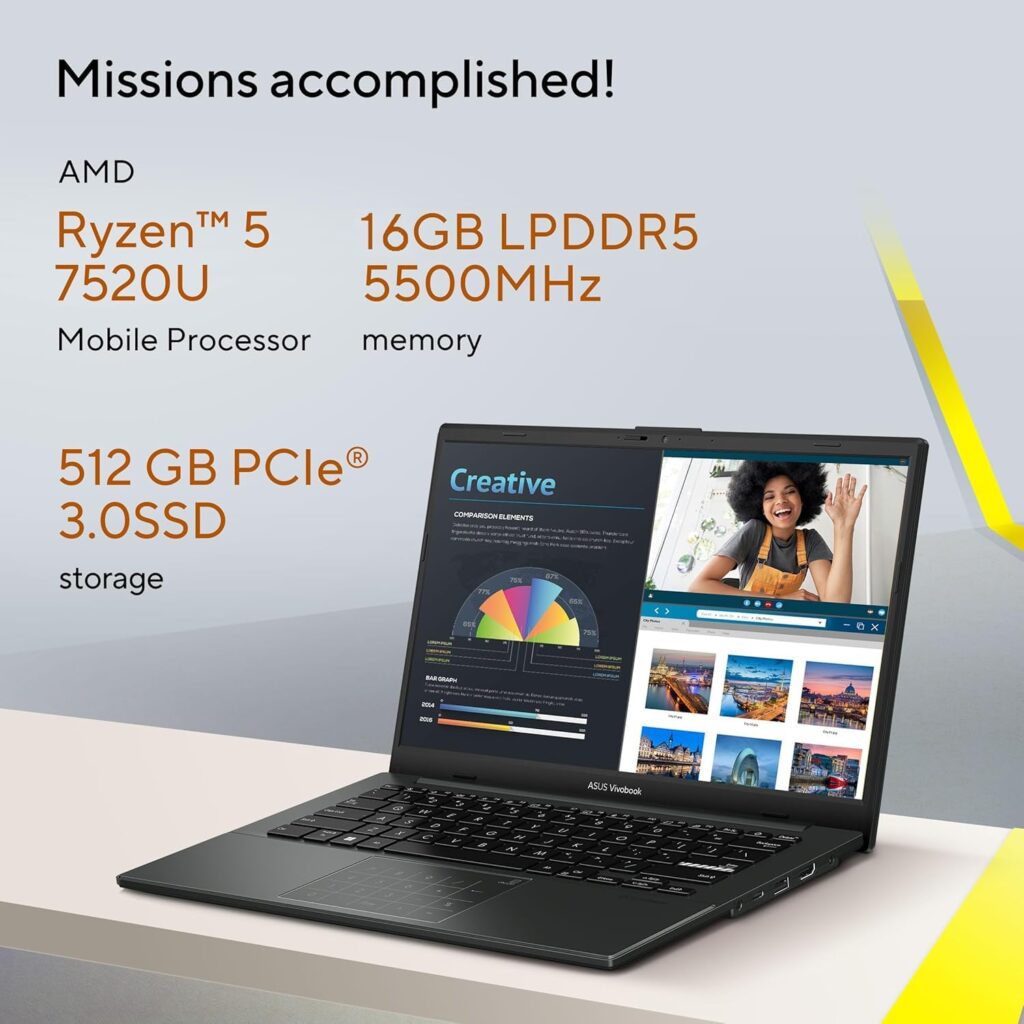
Processor: AMD Ryzen 5 7520U (4-core/8-thread).
Memory: 16GB LPDDR5 5500 MHz high-speed RAM.
Storage: 512GB PCIe 3.0 NVMe SSD storage.
Display: 14-inch FHD Anti-glare (250 nits brightness).
OS: Windows 11 Home with lifetime validity.
Software: Office Home 2024 & M365 Basic (1 Year).
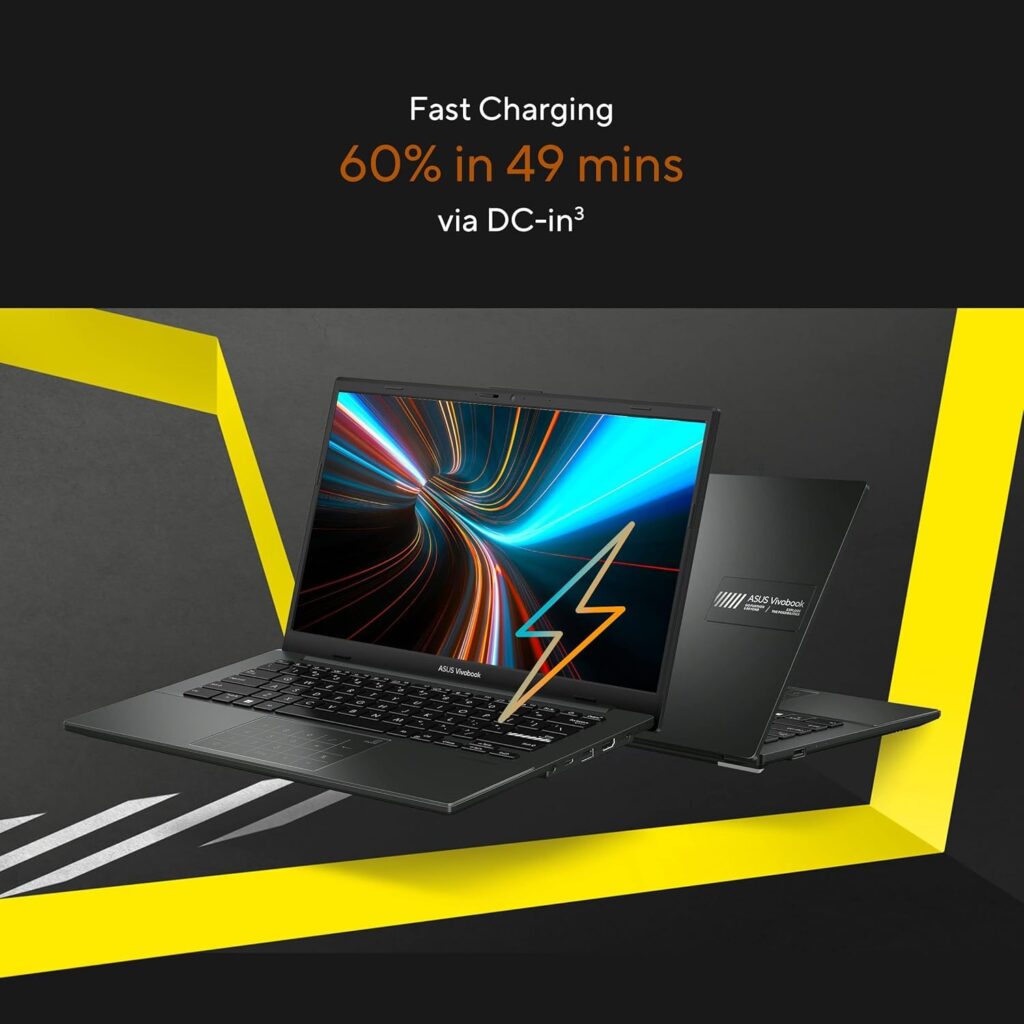
Battery: 42WHrs with 60% fast charging in 49 mins.
Vivobook Go 14 Design: Built for Life on the Move
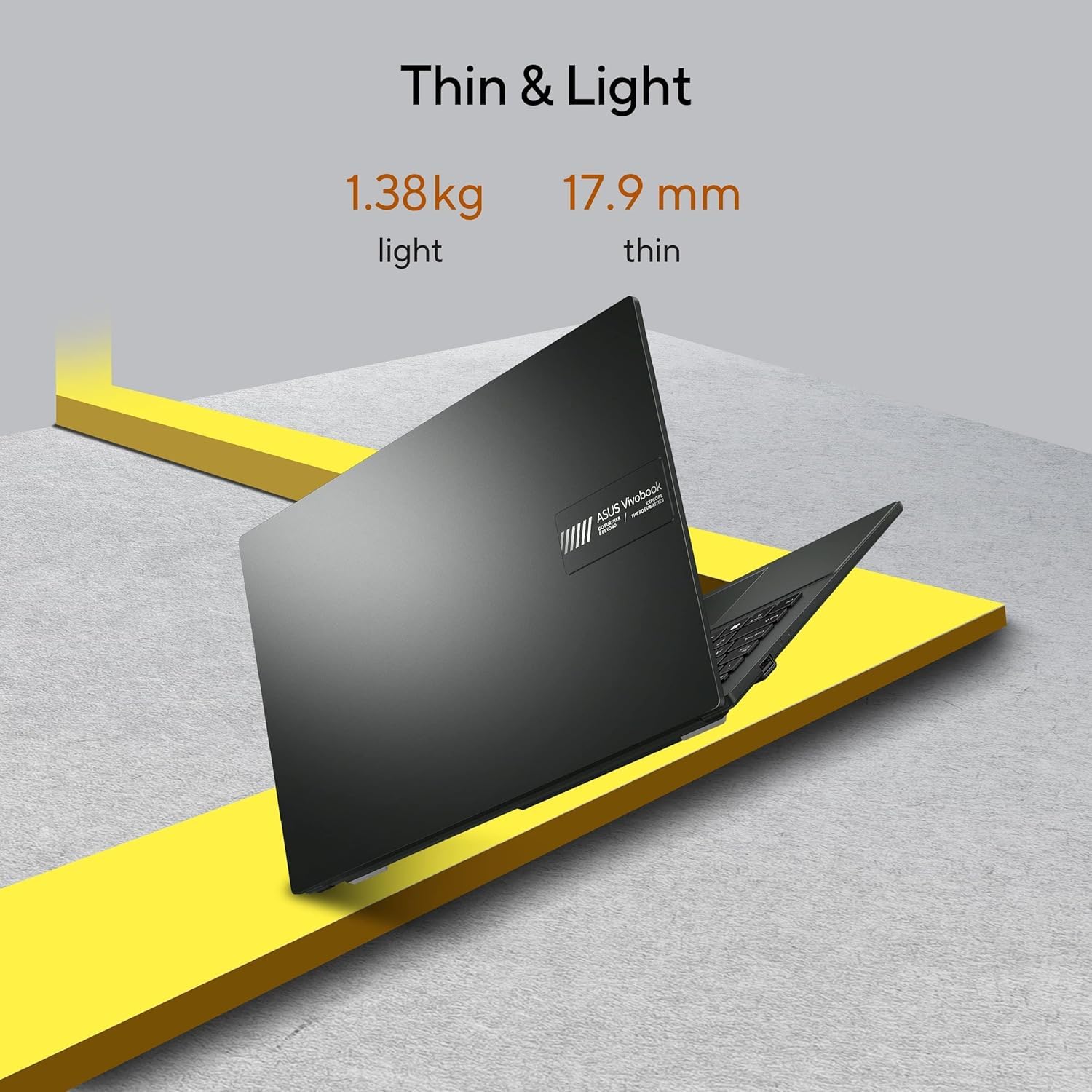
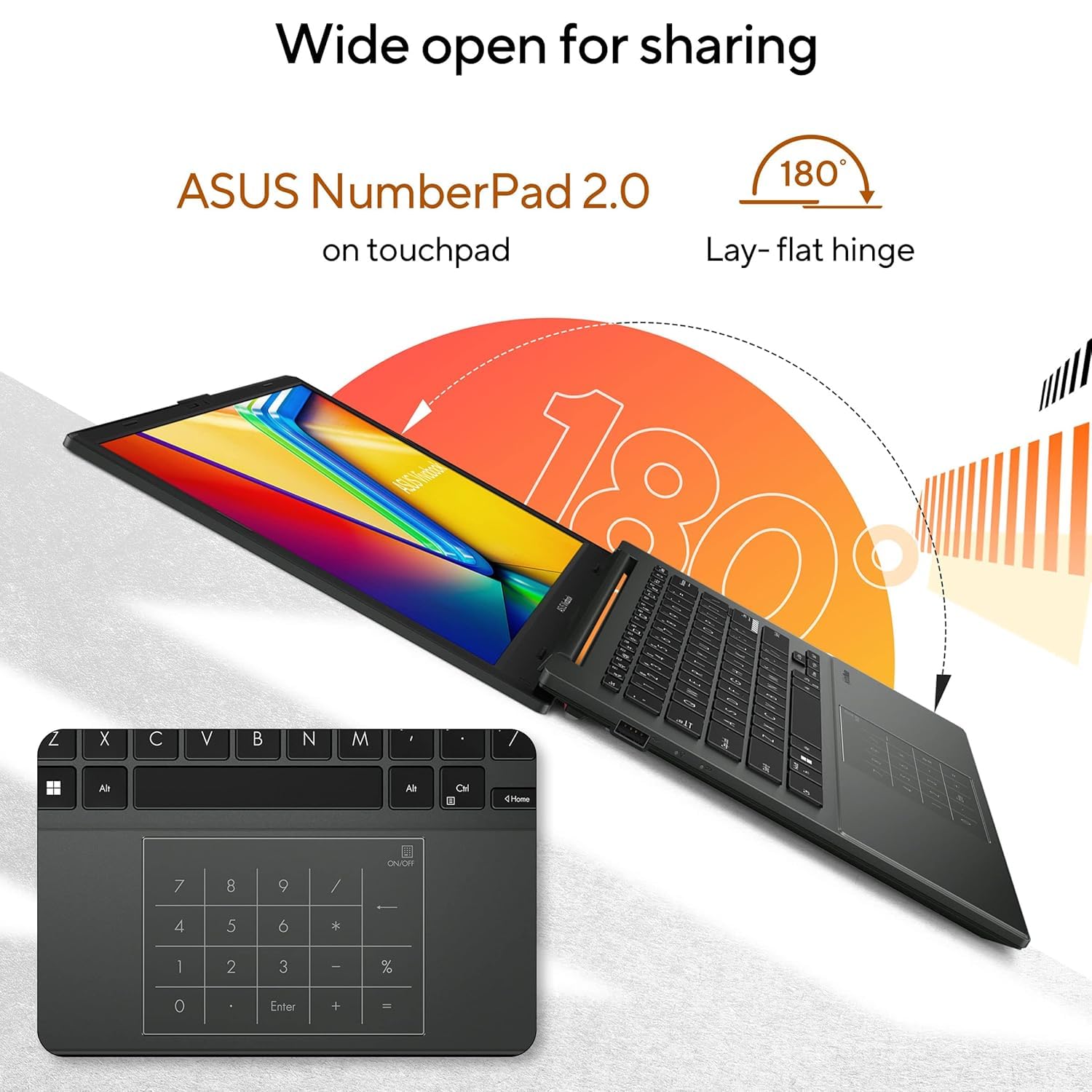
Portability is a standout feature for active students on campus. It weighs only 1.38 kg and is remarkably slim and light. You can slide it into any standard backpack very easily. Despite being light, it is built to be extremely tough. It meets MIL-STD 810H military-grade durability standards for long-lasting use. The 180-degree lay-flat hinge is great for sharing your screen. The Mixed Black color gives it a premium and understated look.
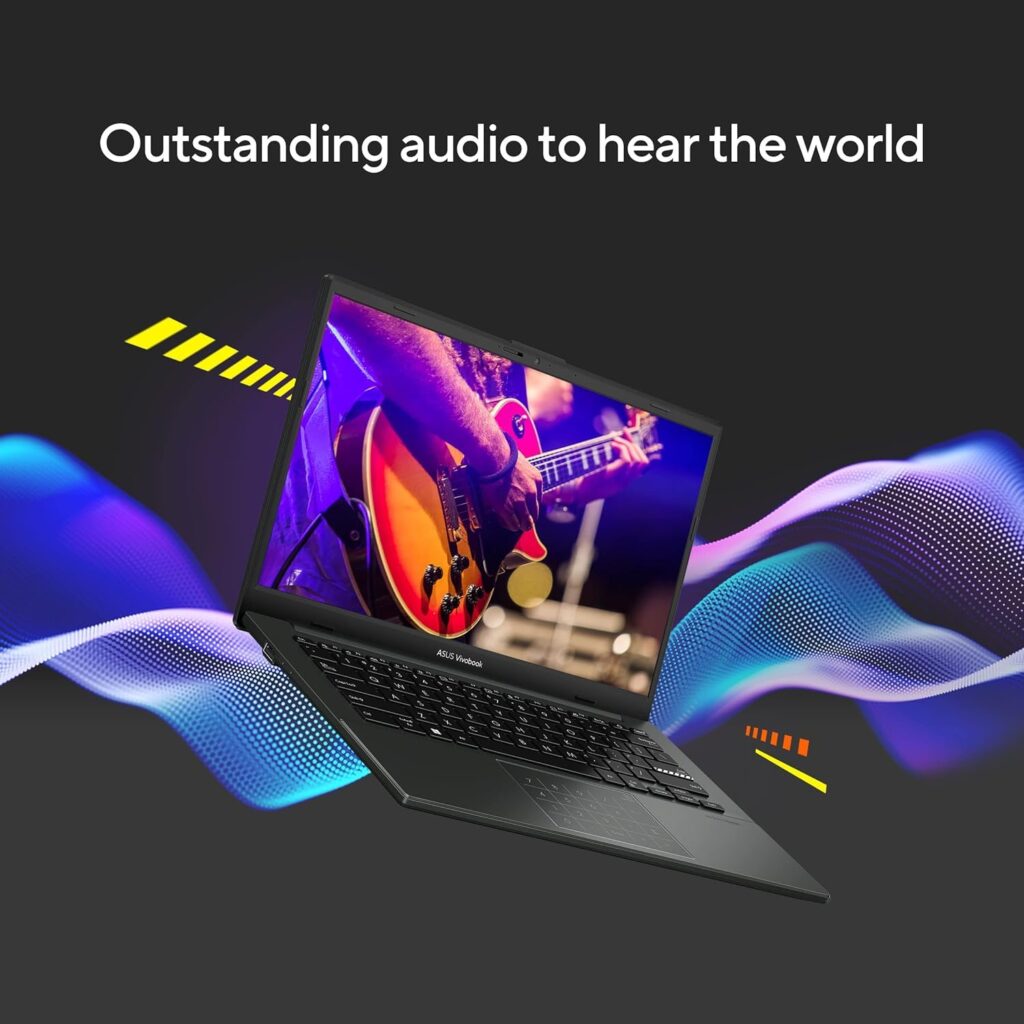
Performance: Why the ASUS Vivobook Go 14 Matters
Speed is the heart of any great modern computer today. This model features the AMD Ryzen 5 7520U processor at its core. It handles daily tasks with impressive ease and very low heat levels. You get 16GB LPDDR5 RAM for seamless multitasking between various heavy apps. This is a huge win at this specific price point in India. Most competitors only offer 8GB of memory in this budget range. The 512GB NVMe SSD ensures your software and files load instantly. You will notice the difference during very busy or long workdays.
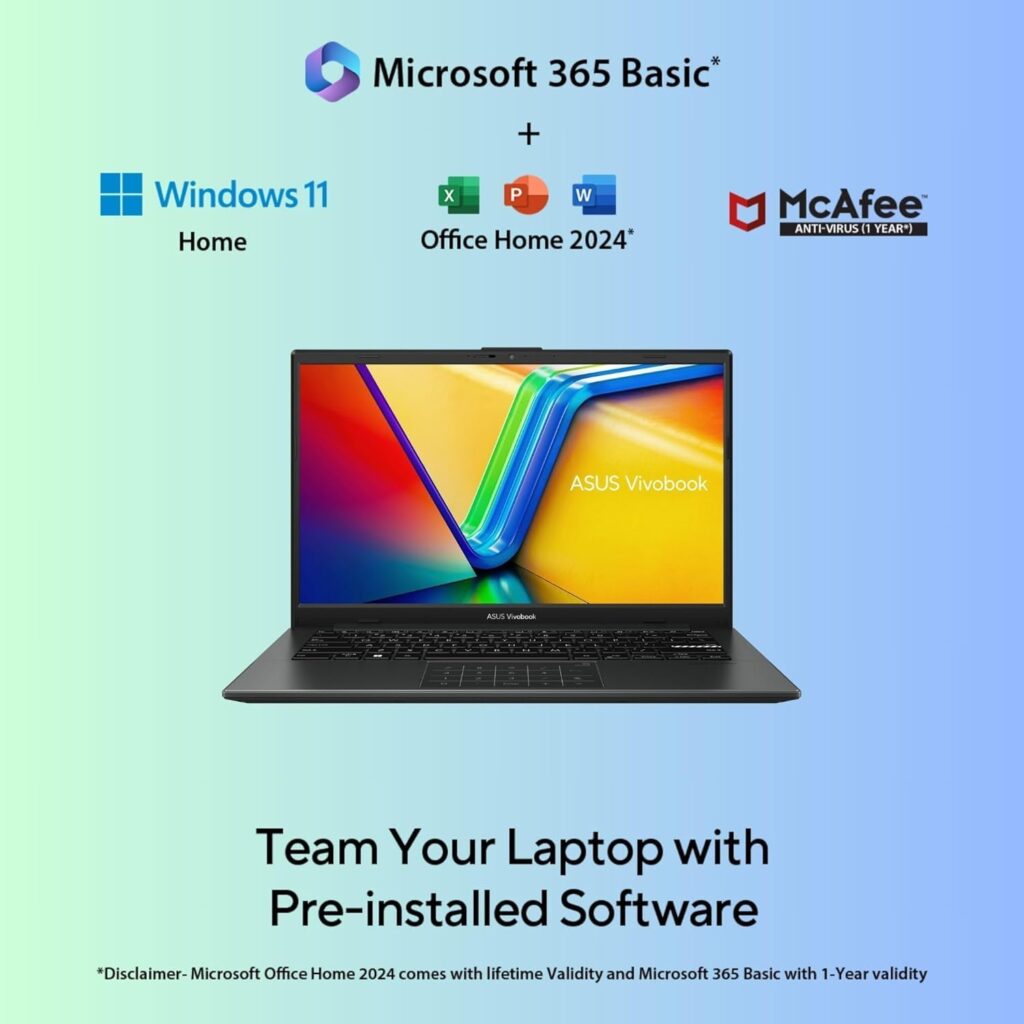
Best Value for Money: Asus Go 14 Budget Champion
When analyzing this ASUS Vivobook Go 14 review, the value proposition is truly undeniable. Getting 16GB LPDDR5 RAM under ₹43,000 is an absolute steal for most buyers. Most brands charge a premium for high-speed memory and military-grade durability. You also get a lifetime license of Office Home 2024 included. This saves you thousands of rupees on essential productivity software annually. The addition of Microsoft 365 Basic for a year adds even more worth. It is a complete “work-from-anywhere” package that requires no extra spending.
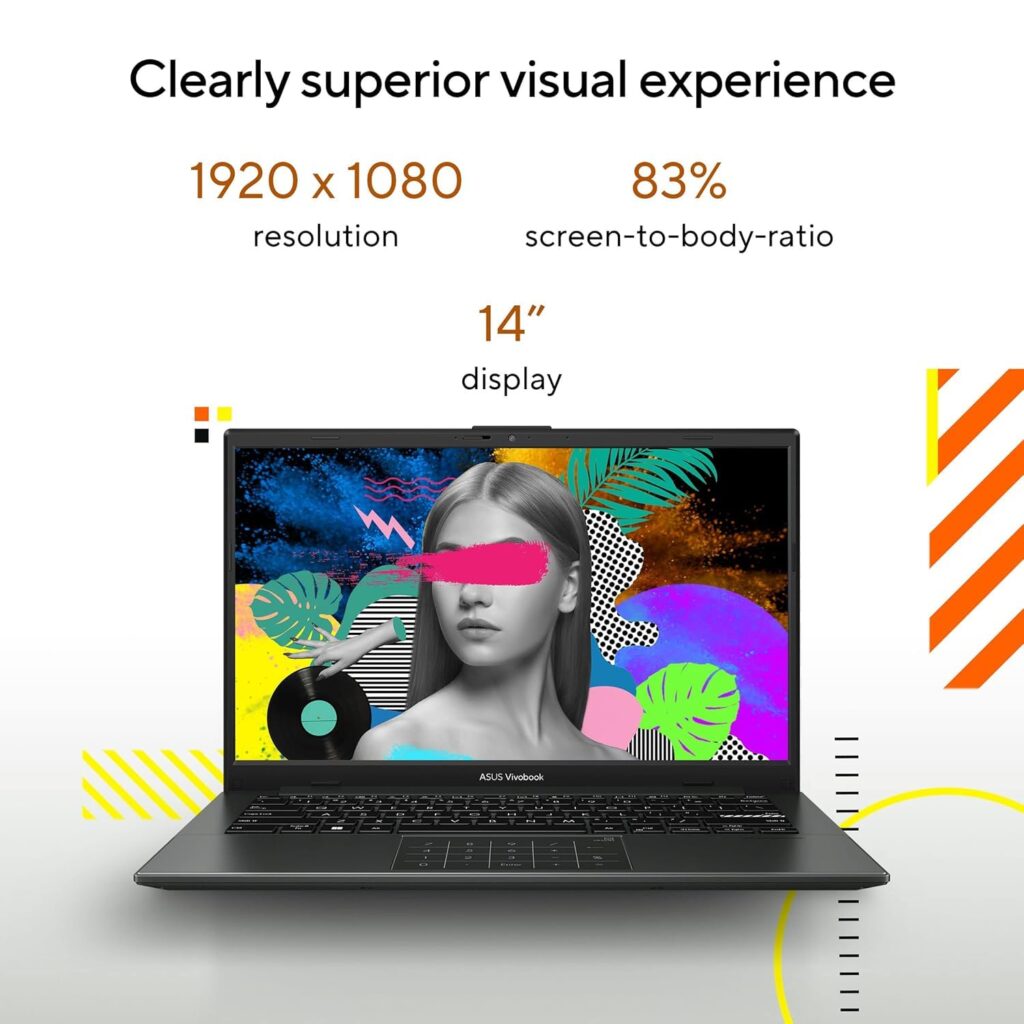
Vivobook Go 14 Display: Crisp Visuals for Work & Play
The visual experience is vital for a good ASUS Vivobook Go 14 review. This device sports a 14-inch Full HD panel with narrow bezels. The NanoEdge display provides an immersive 83% screen-to-body ratio for users. An anti-glare coating helps reduce reflections in brightly lit office rooms. It is TUV Rheinland certified for better eye care during long sessions. While it covers 45% NTSC, colors remain sharp for standard video streaming. It is a reliable screen for documents and watching movies comfortably.
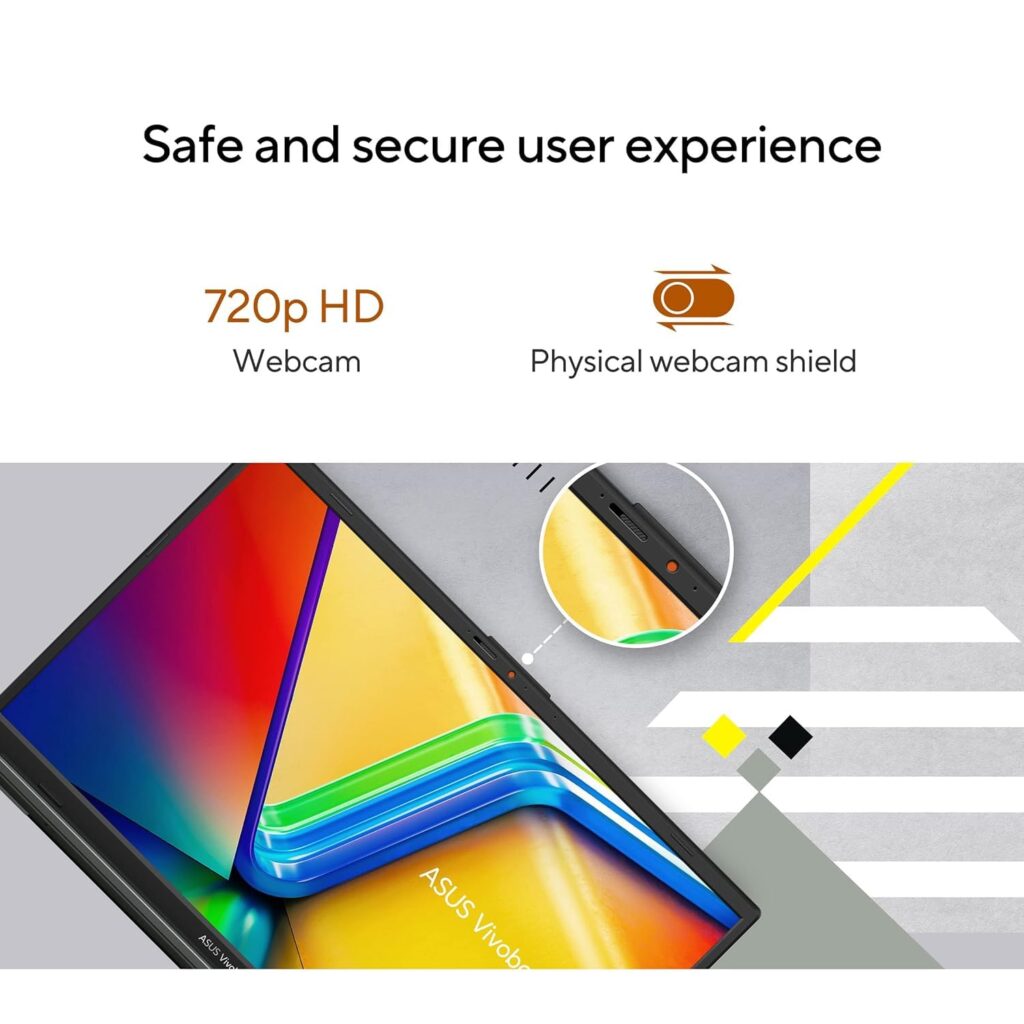
Vivobook Go 14 Camera: Privacy and Clarity
Video conferencing is now a daily necessity for students and workers. This laptop features a 720p HD webcam for clear video calls. A major highlight is the physical webcam privacy shield included here. You can slide it shut to ensure total privacy instantly. This manual shutter is a great addition for security-conscious home users. The built-in microphone uses noise cancellation to keep your voice clear. It works perfectly for Zoom meetings or quick family video chats.
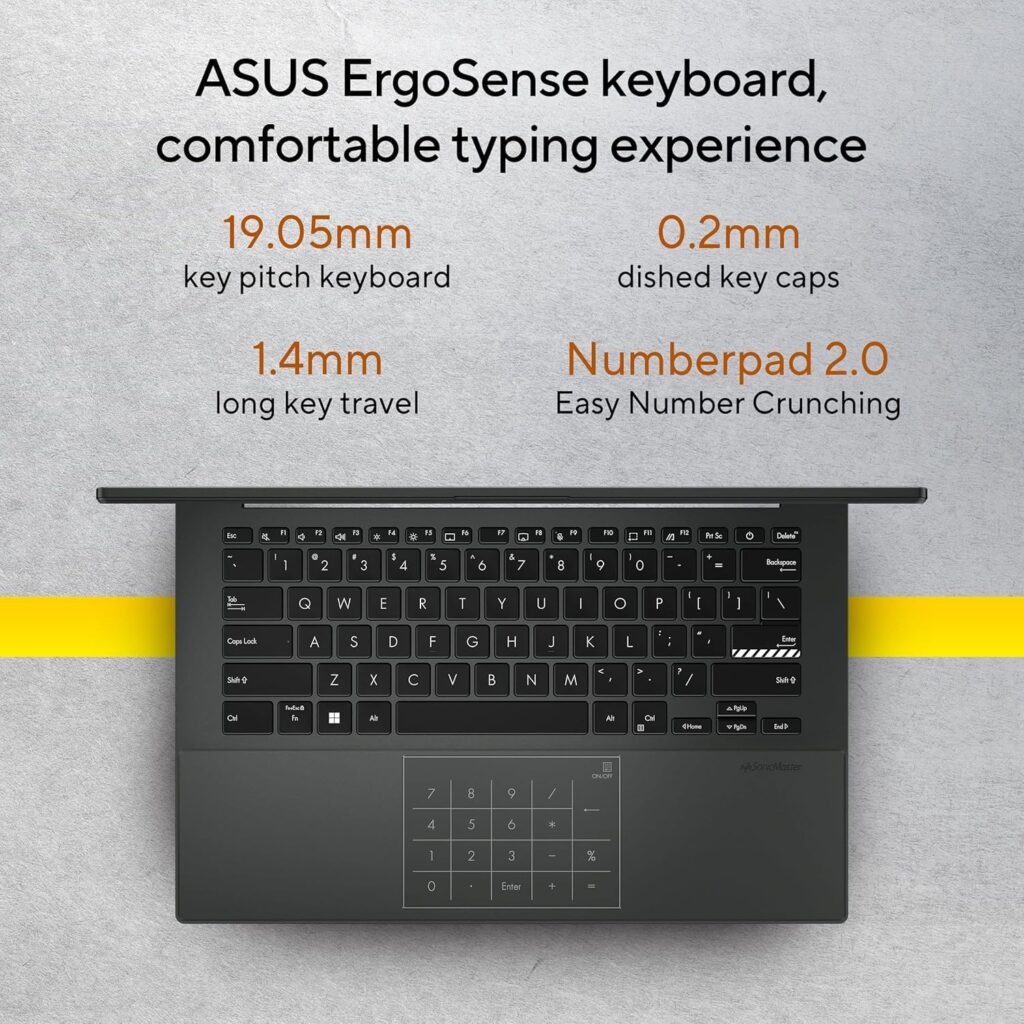
Vivobook Go 14 Keyboard: Comfort With Backlight
The backlit keyboard is a standout feature for late-night study sessions. It offers a comfortable 1.4mm key travel for a tactile feel. Typing feels snappy and responsive even during very long writing tasks. The ErgoSense keyboard design reduces fatigue for your fingers and wrists. You also get a built-in NumberPad 2.0 on the glass touchpad. This allows for fast data entry without a bulky physical numpad. It makes the compact 14-inch form factor feel much more productive.
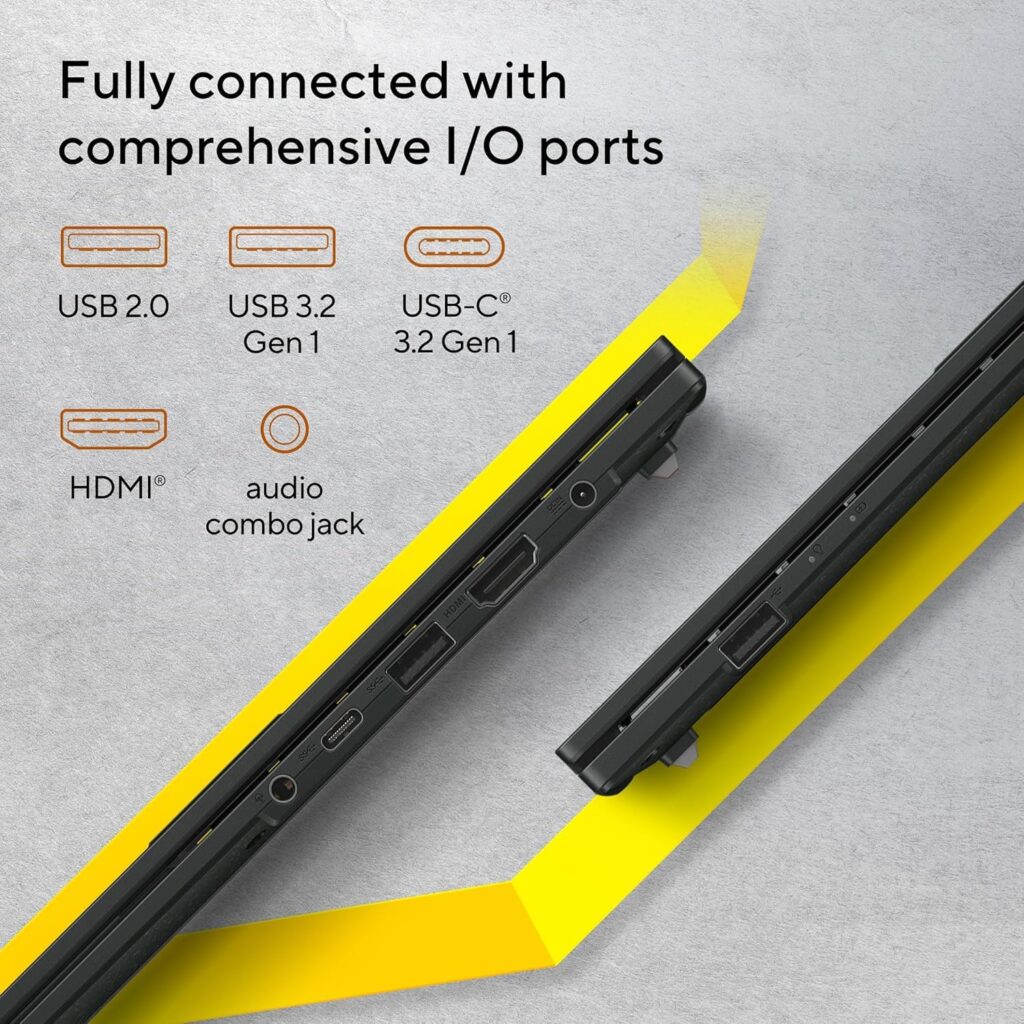
Asus Go 14 Ports: Connectivity for All Your Gadgets
Staying connected is easy with the diverse range of available ports. You get a USB-C 3.2 Gen 1 port for fast data. There are also USB 3.2 and USB 2.0 Type-A ports. An HDMI 1.4 output lets you connect to external monitors easily. The 3.5mm combo audio jack is perfect for your favorite headphones. Having a dedicated DC-in port keeps your data ports free always. This variety ensures you rarely need an extra dongle or hub.
Asus Vivobook Go 14 Product Comparison
| Feature | ASUS Vivobook Go 14 | HP Laptop 15s | Lenovo ThinkPad E14 |
|---|---|---|---|
| Processor | Ryzen 5 7520U | Ryzen 5 5500U | Ryzen 5 7530U |
| RAM | 16GB LPDDR5 | 8GB DDR4 | 16GB LPDDR5 |
| Weight | 1.38 kg | 1.69 kg | 1.25 kg |
| Durability | Military Grade | Standard | Standard |
| Price (Approx) | ₹42,990 | ₹43,000 | ₹60,300 |
ASUS Vivobook Go 14 Review: Pros and Cons
Pros
- Exceptional value with 16GB RAM for multitasking.
- Very lightweight at 1.38 kg and easy to carry.
- Includes a physical privacy shutter for the webcam.
- Fast charging battery saves a lot of time daily.
- Military-grade toughness ensures better longevity for users.
Cons
- Display color accuracy is basic for professional editors.
- USB-C port does not support power delivery charging.
ASUS Vivobook Go 14 Review: Verdict
The ASUS Vivobook Go 14 review shows a clear budget winner. It is ideal for students and busy office workers alike. You get modern specs without paying a very high price. It is truly a “Value King” for the year 2026. If you need a portable powerhouse, this is the one.
Affiliate Disclosure: This ASUS Vivobook Go 14 review contains affiliate links for various products. We may earn a small commission at no cost to you.
FAQs About ASUS Vivobook Go 14
Is the ASUS Vivobook Go 14 good for students?
Yes, the lightweight design and 16GB RAM make it perfect.
Can I upgrade the RAM on ASUS Vivobook Go 14 laptop?
No, the 16GB LPDDR5 RAM is soldered to the board.
Does ASUS Vivobook Go 14 come with Microsoft Office for free?
ASUS Vivobook Go 14 includes Office Home 2024 with lifetime validity for you.
Is the webcam of ASUS Vivobook Go 14 good for professional video calls?
The 720p HD camera of ASUS Vivobook Go 14 works well with a privacy shield.
How long does the battery of ASUS Vivobook Go 14 last on one charge?
You can expect around 6-7 hours for standard office tasks.
Does ASUS Vivobook Go 14 support USB-C charging for the battery?
No, it uses a standard DC-in barrel plug for power.
Is the keyboard of ASUS Vivobook Go 14 comfortable for long typing sessions?
The ErgoSense keyboard offers great tactile feedback for every user.
What do you think about this laptop? Does 16GB RAM matter more to you than display colors? Let us know in the comments below!
For more such laptop reviews, click here
#ASUSVivobook #LaptopReview #TechGuide #StudentLife #BudgetTech #AmazonIndia

The Product Research Group
Twenty years from now you will be more disappointed by the things that you didn’t do than by the ones you did do. Sail away from the safe harbor.