Decoding Your New TV: 22 Essential TV Technology FAQs

  • Home
  • Blog
  • Decoding Your New TV: 22 Essential TV Technology FAQs
Decoding Your New TV: 22 Essential TV Technology FAQs

Telvision Technology, FAQs For You.

Navigating the sea of acronyms—from OLED and QLED to HDMI 2.1 to Dolby Vision and 144Hz—can make buying a New TV feel like you need an engineering degree. If you’ve ever felt lost reading a TV spec sheet, you are absolutely not alone. We’re here to decode all the technical jargon and provide a clear, conversational guide to the essential display, sound, and gaming technologies so you can confidently choose the perfect TV for your home.

Display Technology:
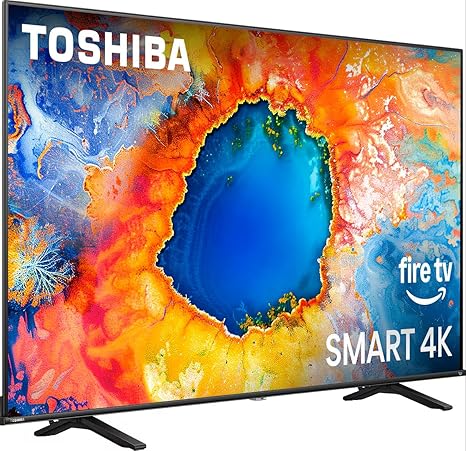
Toshiba Smart Fire TV Review

It all comes down to light. OLED (Organic Light Emitting Diode) is the only one where each pixel makes its own light and can turn completely OFF. QLED (Quantum Dot LED) and Mini-LED are both LED screens that use a separate backlight that shines through the pixels.
Because the pixels are self-illuminating, an OLED can simply switch off any pixel that needs to show black. When a pixel is off, it produces no light, giving you a true, inky black. This creates infinite contrast, which is a huge bonus for dark movie scenes.
QLED is essentially an LED TV with a special layer of Quantum Dots. These tiny dots filter the light to produce much more vibrant, brilliant colors and a significant boost in brightness. QLEDs generally excel in bright rooms because of this high brightness.Manufacturer Note: Samsung is the primary driver of QLED technology.
Mini-LED is an advanced version of LED backlighting. It uses thousands of much smaller LEDs behind the screen, allowing for hundreds or even thousands of local dimming zones. This precise control gives you deeper blacks and better contrast than standard QLED, but it still isn't perfect black like an OLED.
MicroLED is seen as the ultimate display technology. It uses microscopic, self-emitting LEDs, offering the perfect blacks of OLED but with the extreme brightness and no risk of burn-in found in traditional LEDs. Right now, it's very expensive and not yet mainstream for consumers.

Picture Quality: HDR & Advanced Processing
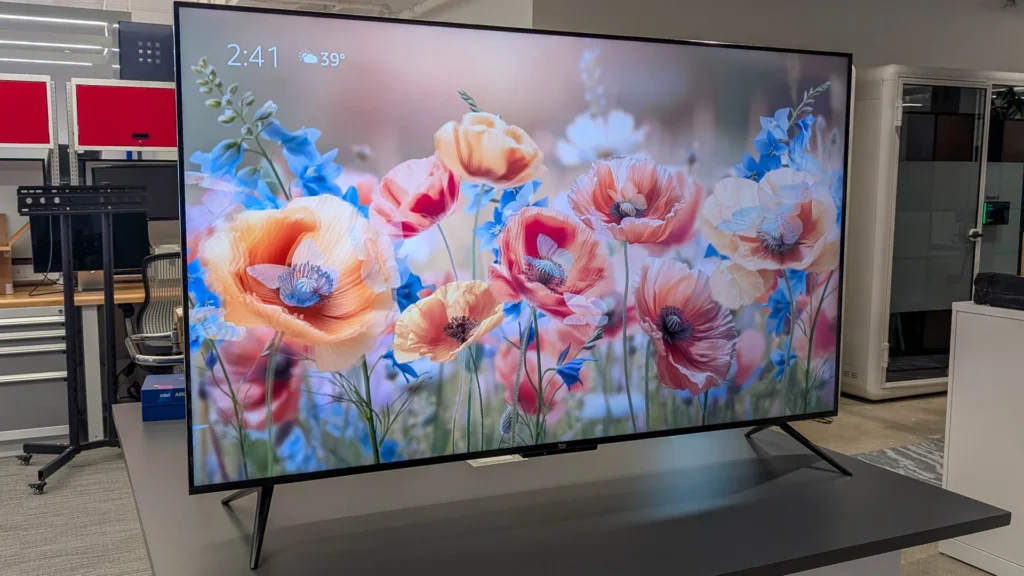
Amazon Fire TV 55 Inch Review

HDR is a standard that makes the picture look more like real life by expanding the range between the darkest and brightest areas. It lets you see much more detail in the deepest shadows and the brightest highlights, making the picture look more lifelike.
Static metadata (used by formats like HDR10) applies one set of brightness and contrast settings for the entire movie or show. Dynamic metadata (used by Dolby Vision and HDR10+) adjusts the picture settings frame-by-frame or scene-by-scene. This dynamic adjustment provides far more accurate and consistent visuals.
Yes, generally. Dolby Vision is an enhanced HDR format. It supports higher peak brightness (up to 4,000 nits) and uses 12-bit color, which creates a dramatically richer image with over 68 billion colors. All Dolby Vision TVs can also display HDR10 content.
Dolby Vision IQ is the standard Dolby Vision with an added smart feature. It uses a light sensor built into the TV to detect the ambient brightness of your room. It then automatically adjusts the picture settings in real-time, ensuring the image looks perfectly optimized whether you are watching during the day or at night.
Resolution is the total number of pixels on the screen. 4K (or UHD) has roughly 8 million pixels, which is four times the detail of Full HD. 8K resolution is the highest available, packing 16 times the pixels of HD for incredible clarity. For most rooms, 4K is the best bang for your buck.

Performance & Gaming: The Need for Speed

Need for Speed Payback Review

The refresh rate (Hz) is the number of times the image on your screen updates per second. A 60Hz TV refreshes 60 times per second, while a 120Hz TV refreshes 120 times per second.
120Hz is essential for smooth motion. It significantly reduces motion blur, making it critical for watching fast-paced sports and for competitive gaming.
144Hz is an ultra-fast refresh rate, giving you 144 image redraws per second. The difference between 120Hz and 144Hz is small but noticeable. It is primarily sought after by PC gamers and esports professionals who want the absolute fastest, smoothest experience and reduced input lag.Tip: If you are just using a PS5 or Xbox Series X, 120Hz is the standard, but for a high-end gaming PC, 144Hz is the top tier.
HDMI 2.1 provides a huge increase in bandwidth, up to 48Gbps. This is the only way to deliver 4K resolution at 120Hz or 144Hz without image compression from your console or PC.
VRR is a feature enabled by HDMI 2.1. It allows your TV's refresh rate to dynamically match the game’s frame rate output from your console or PC. This eliminates annoying visual defects like screen tearing and stuttering, ensuring a tear-free gaming experience.
ALLM is another HDMI 2.1 feature. It automatically switches your TV to its lowest latency mode (often called "Game Mode") when it detects a game console is running. This minimizes input lag, meaning the action appears almost instantly after you press a button.

Audio & Connectivity

New TV

They are the leading standards for object-based surround sound. They create a three-dimensional sound field that includes overhead effects, making sound seem like it's coming from above you and all around. This gives you a more immersive, cinema-like experience.
Your TV's internal speakers can decode the Dolby Atmos signal. However, to actually hear the three-dimensional, overhead effects, you really need an external soundbar or AV receiver with dedicated upward-firing speakers.
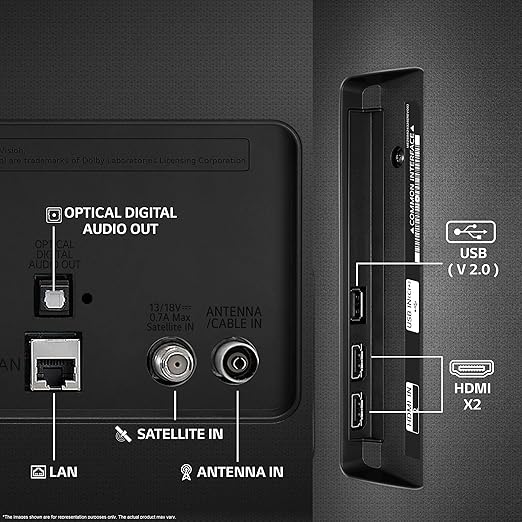
eARC is a feature of HDMI 2.1. It allows you to send high-quality, uncompressed audio signals—like Dolby Atmos and DTS:X—from your TV to a soundbar or receiver using just a single HDMI cable.

Smart Features & Software

New TV

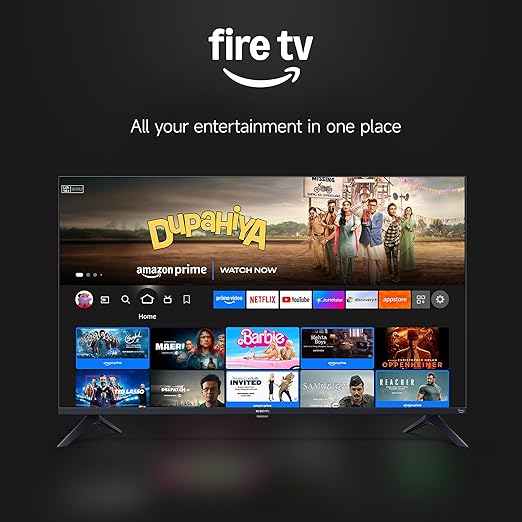
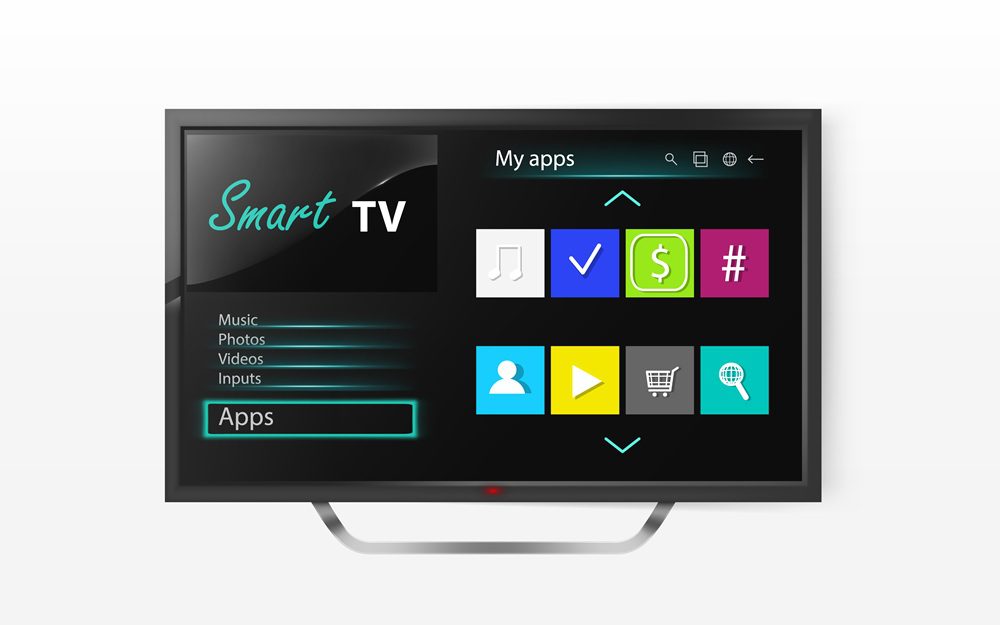
A Smart TV is simply a television with a built-in internet connection and operating system. This allows you to run streaming video services like Netflix and Amazon Prime Video directly. The main operating systems are Google TV/Android TV, LG's webOS, and Samsung's Tizen.
Upscaling is the process where the TV's internal AI-powered processor takes lower-resolution content (like old cable TV or Full HD movies) and enhances it. It intelligently fills in the missing pixels to make the image look sharper and clearer on your high-resolution 4K or 8K screen.
MEMC is a software technique that eliminates motion blur by inserting artificial frames between the original frames of the video. While great for smoothing out fast-paced sports, it can sometimes cause the "soap opera effect" on movies, so you might want to turn it off for cinematic content.

The Final Word: Buy the Right Tool for Your Job!

You’re now fluent in TV jargon, which means you’re ready to buy smarter! We’ve broken down everything from the OLED‘s perfect blacks to the HDMI 2.1‘s gaming power.

Now, forget the acronyms for a second. What’s the one thing you’re buying a new TV for? Is it to conquer 4K 144Hz gaming, or to finally get that cinematic Dolby Vision experience?

Share your viewing goal below. Let’s make sure you get the absolute best TV for your unique needs!

#TVTechExplained, #OLEDvsQNED, #HDMI21, #144HzGaming, #DolbyVision, #SmartTV, #TechGuide, #HomeTheater, #TVBuyingGuide, #4KTV

Leave a Reply

Your email address will not be published. Required fields are marked *

Advertisement

Advertisement

Advertisement

Advertisement

Advertisement

Advertisement