
- Tech Research Group
- September 6, 2025
- 2 Comments
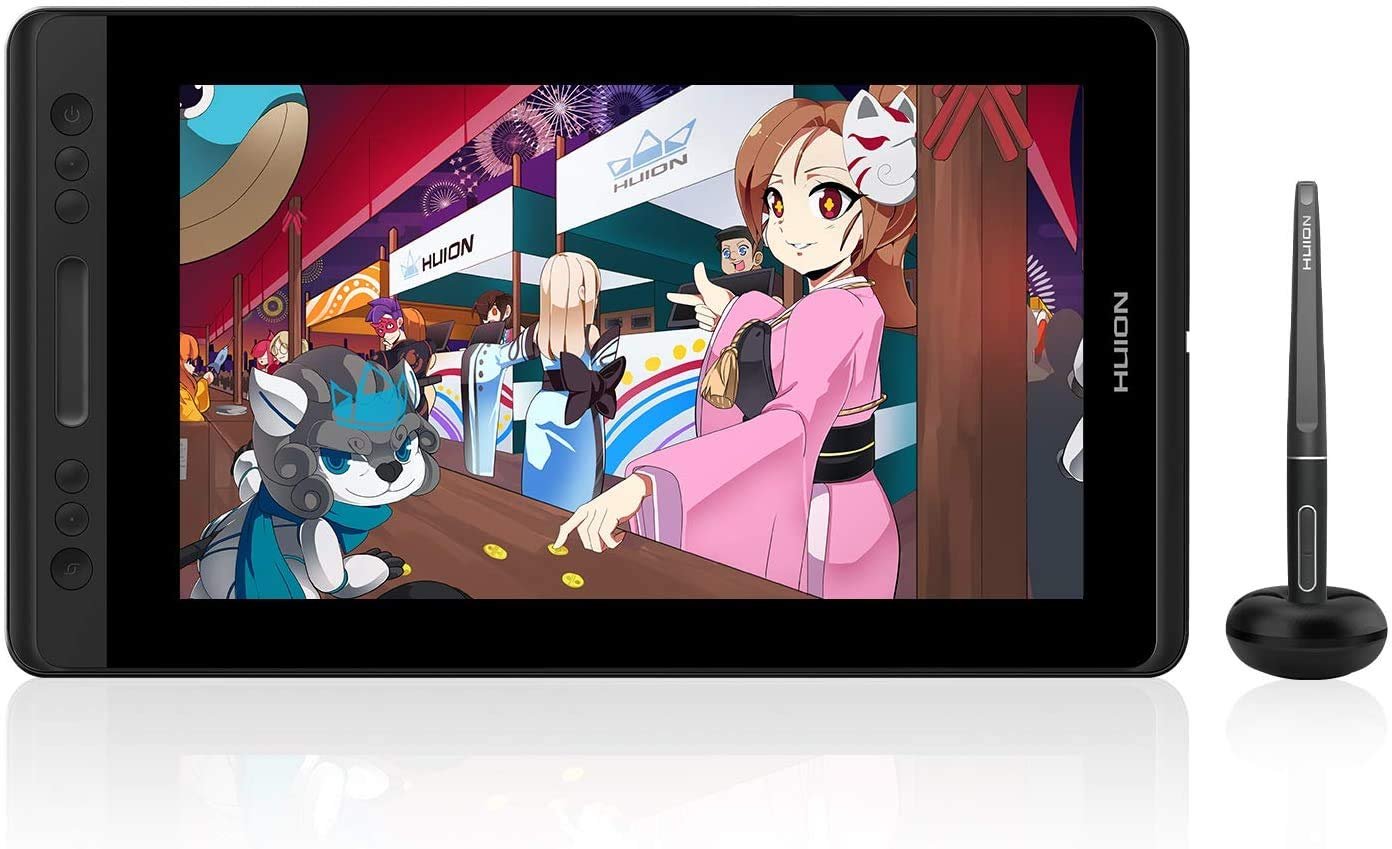
We have reviewed many tablets earlier. But, this one is different! Are you a digital artist? Do you want a quality pen display? The Huion KAMVAS Pro 12 might be your answer. This tablet is a popular choice. It offers great features for a low price. Let us explore if this device is right for you. We will check its features, pros, and cons.
Features Of Huion Kamvas
First, the screen is incredible. It has an 11.6-inch display. The resolution is full HD. Furthermore, it has a stunning 120% sRGB color gamut. The screen is also fully laminated. This design reduces parallax greatly. It makes drawing feel more natural.
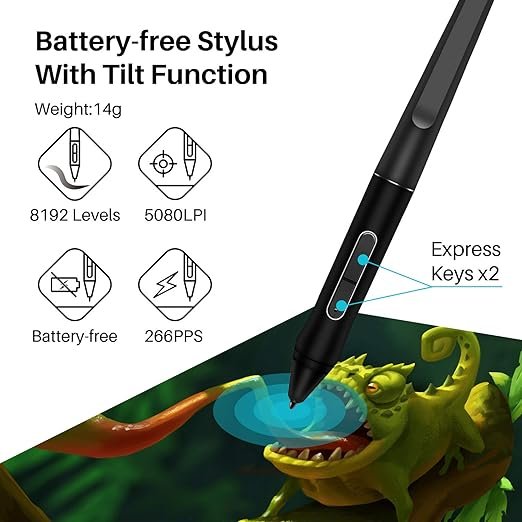
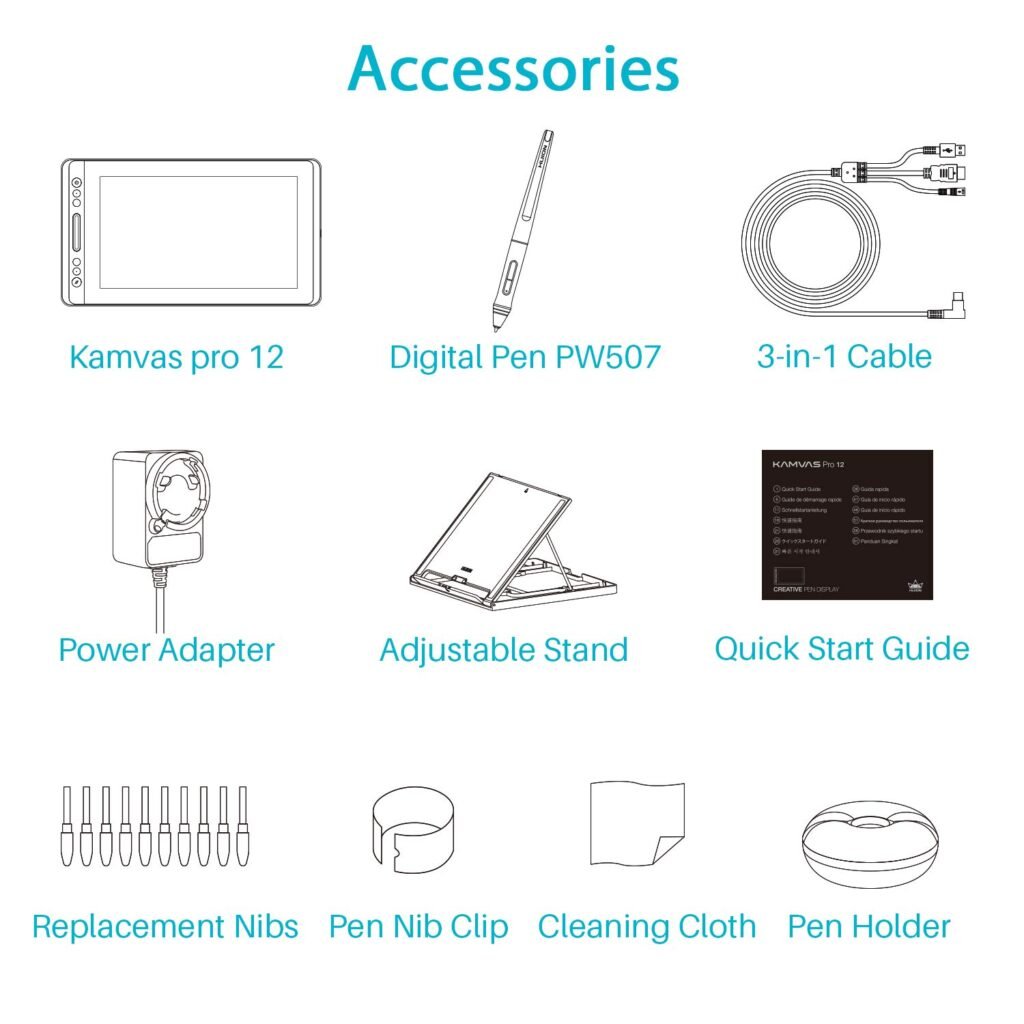
Next, consider the pen. The PW507 is a battery-free pen. This is very convenient. It features 8192 levels of pressure sensitivity. This provides amazing control. The pen also supports tilt function. Consequently, you can create various brush effects. There are four programmable express keys. A touch bar is also included. These features boost your workflow speed. An adjustable stand comes with the package. Therefore, you can find a comfortable angle easily.
Pros of Graphics Tablet
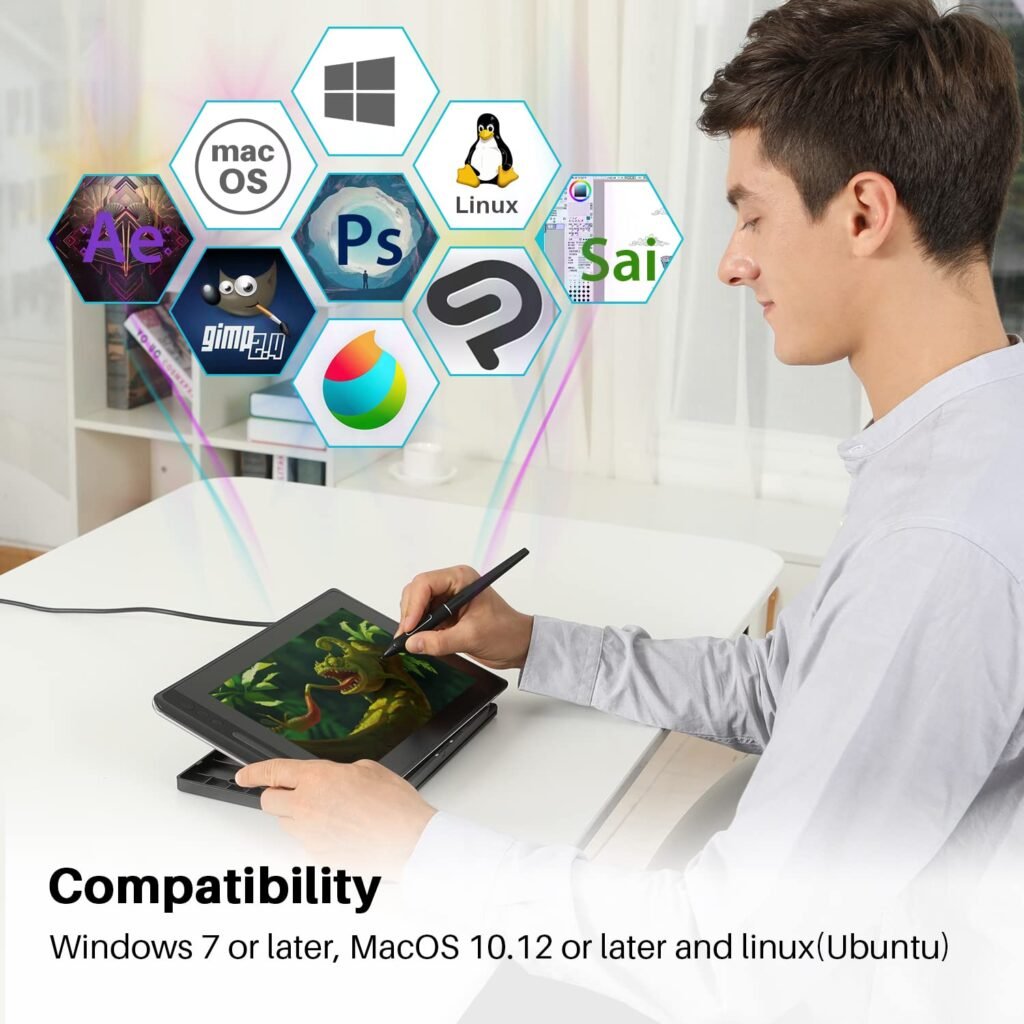
This tablet offers great value. It is more affordable than competitors. The full-laminated screen is excellent. It feels like drawing on real paper. The battery-free pen is a major plus. You never need to charge it. The included adjustable stand is sturdy. It adds to your comfort. Compatibility is also strong. It works with Windows and macOS.
Cons Of Huion Kamvas
However, there are some downsides. The 11.6-inch screen is a bit small. Some artists might want more space. You must connect it to a computer. This reduces its portability. A common issue is driver instability. Sometimes, the software can be buggy. Screen glare can also be a problem. This happens in very bright rooms.
Frequently Asked Questions (FAQs)
Q: What is the biggest advantage of the Huion Kamvas Pro 12’s screen?
A: The biggest advantage is the Full-Laminated Display. This design eliminates the air gap between the glass and the LCD, which significantly reduces parallax (the perceived distance between the pen tip and the cursor). This makes the drawing experience feel much more precise and natural.
Q: Does the pen need to be charged?
A: No. The Huion Kamvas Pro 12 uses the PW507 Battery-Free Pen. This technology means the pen requires no batteries and never needs charging, allowing for uninterrupted drawing sessions.
Q: What is the significance of the 8192 pressure levels and tilt function?
A: 8192 levels of pressure sensitivity allow the artist to accurately control line thickness, transparency, and color variation simply by changing the pressure applied to the pen. The tilt function allows the brush to respond to the angle of the pen, replicating the effects of using traditional tools like pencils or airbrushes.
Q: Is the Huion Kamvas Pro 12 a standalone tablet?
A: No, the Kamvas Pro 12 is a pen display (or graphics monitor). This means it must be connected to an external computer (Windows or macOS) via its cables (USB and HDMI) to function and run drawing software. It is not an all-in-one tablet.
Q: What operating systems are compatible with the tablet?
A: The Huion Kamvas Pro 12 is compatible with both Windows and macOS operating systems.
Final Verdict About Huion Kamvas
The Huion KAMVAS Pro 12 delivers an exceptional experience that successfully blurs the line between professional-grade technology and affordability. While its 11.6-inch size and dependence on a computer might be minor drawbacks for some, the core performance is undeniable.
The seamless, full-laminated screen, combined with the convenience of a battery-free pen offering 8192 levels of pressure and tilt support, makes this display a phenomenal tool. For students, aspiring digital artists, or professionals seeking a highly portable secondary screen, the Kamvas Pro 12 is not just “worth it”—it is arguably the best-value entry point into the world of professional pen displays. It’s a great investment in your creative future.
You can buy it today on Amazon.in.
Affiliate Disclosure Statement
This review contains affiliate links. If you click on any product link and make a purchase, we may earn a small commission from the retailer (such as Amazon) at no additional cost to you. These commissions help us keep this blog running and allow us to continue providing honest, in-depth reviews and buying guides for the latest technology. We appreciate your support!
#Huion #KamvasPro12 #DrawingTablet #DigitalArt #TechReview #AmazonIndia

Tech Research Group
Twenty years from now you will be more disappointed by the things that you didn’t do than by the ones you did do. Sail away from the safe harbor.
Thank you for your sharing. I am worried that I lack creative ideas. It is your article that makes me full of hope. Thank you. But, I have a question, can you help me?
I don’t think the title of your article matches the content lol. Just kidding, mainly because I had some doubts after reading the article.