

- Udayan Modhe
- October 25, 2025
- 3 Comments
Buying a new laptop is a significant investment, and the sheer volume of technical specifications—from processor names to display refresh rates—can be daunting. To cut through the noise, you need a clear strategy focused on your personal needs.
A concise Laptop Buyer Guide!
Here is a detailed, component-by-component breakdown to guide you to the perfect laptop.
Laptop Buyer Guide Step 1: Define Your Purpose
Before looking at specs, determine your primary use case. This single step dictates your required performance level and budget.
| User Profile | Primary Tasks | Performance Tier Priority |
|---|---|---|
| Basic/Student | Web browsing, email, streaming, word processing, video calls. | Low to Mid-Range CPU, 8GB-16GB RAM. |
| Mainstream/Multi-tasking | Office work, running several apps simultaneously, light photo editing, casual gaming. | Mid-Range CPU, 16GB RAM. |
| High-Performance/Creator/Gamer | 4K video editing, 3D rendering, complex software, competitive gaming, graphic design. | High-End CPU, Dedicated GPU, 32GB+ RAM. |

Step 2: The Core Trio: CPU, RAM, and Storage
For every Laptop Buyer Guide, these three components are the engine of your machine.
A. Processor (CPU): The Brain
The CPU determines overall computing speed. Prioritize newer generations over slightly higher-tier older chips (e.g., a newer Core i5 is better than an older Core i7).
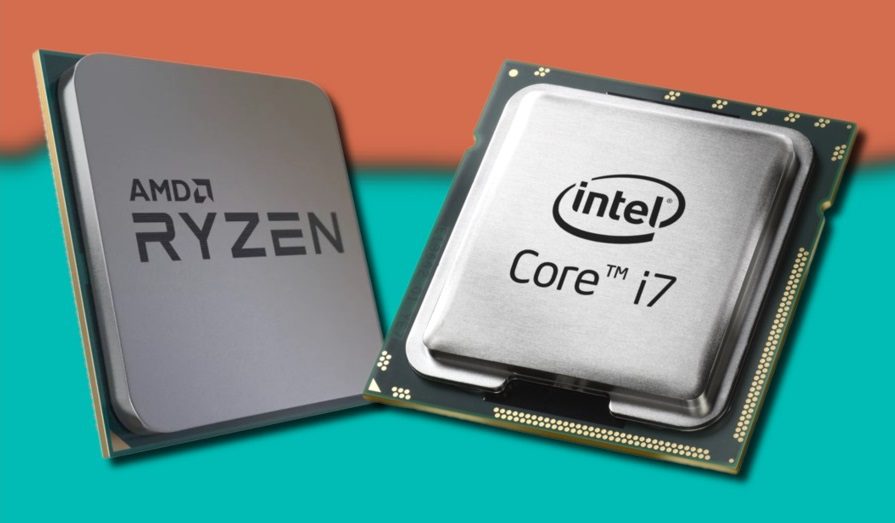
Entry-Level (Core i3 / Ryzen 3): Perfect for basic, single-tasking productivity.
The Sweet Spot (Core i5 / Ryzen 5): The best value for money, ideal for mainstream users and solid multitasking.
High-Performance (Core i7 / Ryzen 7): Required for demanding professionals and avid gamers who need speed and efficiency.
B. Memory (RAM): The Workspace
As per Laptop Buyer Guide, RAM (Random Access Memory) is how many tasks your laptop can juggle at once.
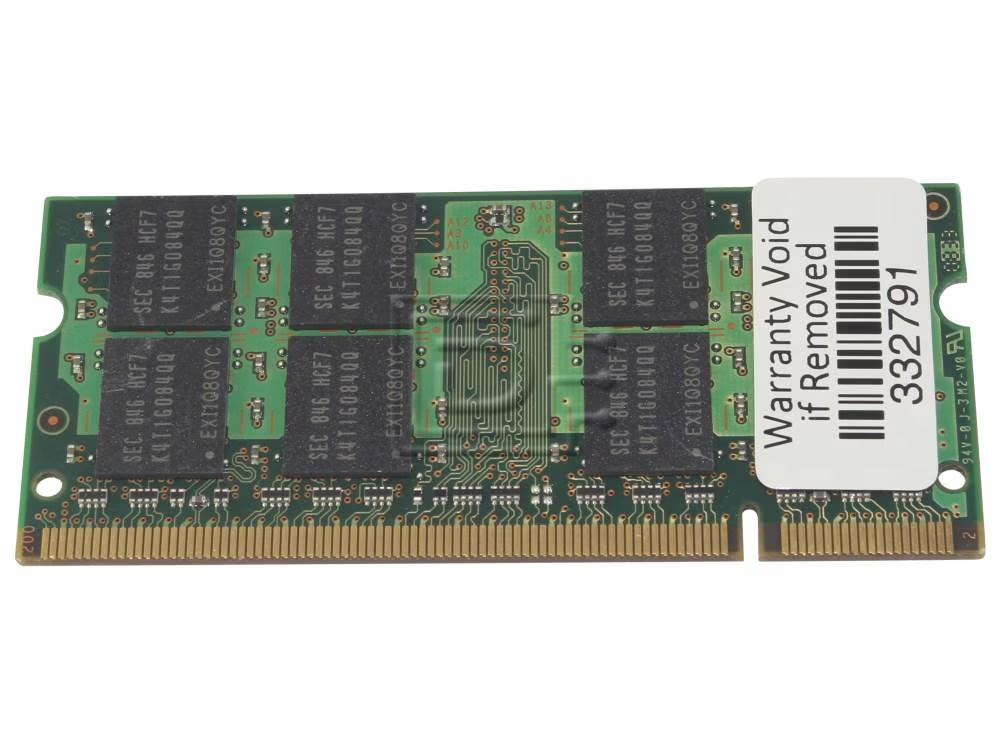
8 GB: The absolute minimum. Expect slowdowns if you use many browser tabs or run multiple applications.
16 GB: The modern standard for a smooth experience. Recommended for all students, professionals, and general users.
32 GB+: Essential for heavy content creation, running virtual machines, or high-end competitive gaming.
C. Storage: Speed is Everything (SSD Only!)
Every Laptop Buyer Guide will recommend to choose a Solid State Drive (SSD); avoid older Hard Disk Drives (HDD). An SSD ensures lightning-fast boot times and application loading.
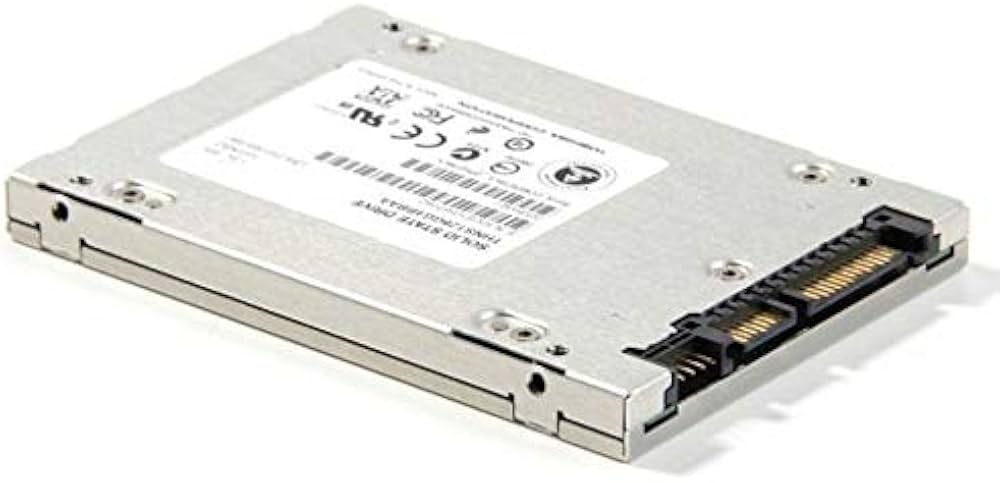
256 GB SSD: Only viable if you rely heavily on cloud storage (OneDrive, Google Drive).
512 GB SSD: The recommended baseline. Sufficient for most users’ files and programs.
1 TB+ NVMe SSD: Recommended for gamers and creators with massive file libraries. Look for the NVMe/PCIe standard for the fastest SSD speeds.
Step 3: Visuals, Display, and Graphics
Your viewing experience and ability to handle visual tasks depend on these features.
A. Graphics Card (GPU)
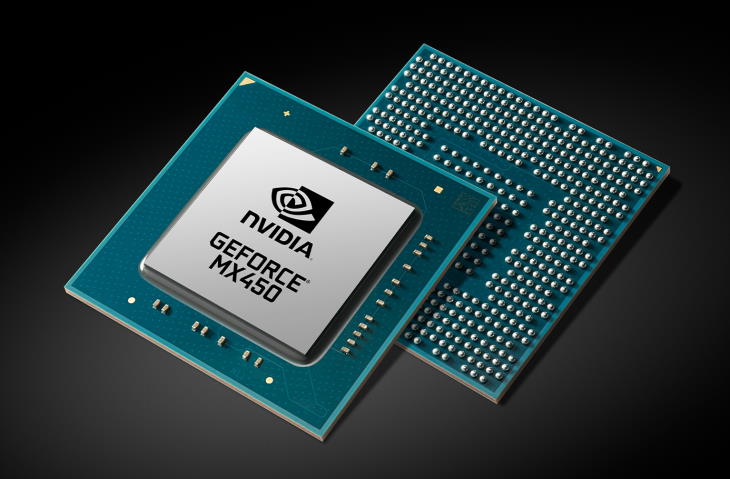
Integrated Graphics (iGPU): Built into the CPU (e.g., Intel Iris Xe). Excellent for productivity, streaming, and light photo editing.
Dedicated Graphics (dGPU): A separate chip (e.g., NVIDIA GeForce RTX). Required for all serious gaming and heavy content creation (e.g., 4K video editing). The more VRAM (dedicated GPU memory) it has, the better.
B. Display Specifications : Laptop Buyer Guide
Resolution:
FHD (1920×1080): Standard for most laptops; the best balance of clarity and battery efficiency.
4K (Ultra HD): Offers incredible detail, but significantly increases cost and reduces battery life.
Panel Technology:
IPS: Offers great color and wide viewing angles.
OLED: Provides unmatched contrast, perfect blacks, and vibrant colors—ideal for media consumption and design work.
Refresh Rate:
60Hz: Standard and sufficient for most users.
120Hz+: Essential for competitive gaming for smoother, more responsive visuals.
Step 4: Portability, Battery, and Quality of Life
Don’t overlook the practical aspects that affect your daily use.
Form Factor:
Clamshell: Traditional design, often offering the best power for the price.
2-in-1/Convertible: Features a 360-degree hinge and touchscreen, perfect for note-taking or presentations.
Ports: Aim for a laptop with high-speed ports:
USB-C / Thunderbolt: A versatile port for charging, data, and external displays. Thunderbolt provides the fastest data transfer speeds.
USB-A: Still necessary for older peripherals (mice, flash drives).
Battery Life: Check the Watt-Hour (Whrs) rating (higher is better, e.g., 50 Whrs+). Look for models that support USB-C charging for ultimate convenience.
Keyboard & Security: A comfortable, backlit keyboard is a must. Biometric security (fingerprint reader or Facial Recognition/Windows Hello) makes logging in fast and secure.
Frequently Asked Questions (FAQs)
Q: Should I buy a Windows PC or a MacBook?
A: As per Laptop Buyer Guide, if you are deep in the Apple ecosystem (iPhone, iPad) or are a professional creative (video/music production), a MacBook offers a highly optimized experience. For everyone else—especially gamers, those on a budget, or users needing maximum software compatibility—Windows offers superior choice and flexibility.
Q: Is 8GB of RAM enough in 2025?
A: While 8GB will function, it is the absolute minimum. We strongly recommend aiming for 16GB to ensure smooth multitasking and a device that remains usable for 3-5 years.
Q: Do I need a 4K screen?
A: For most general users, FHD (1080p) is perfectly fine. 4K is only necessary for professional photo editors, 4K video editors, or those who truly prioritize high-fidelity media consumption, as it significantly impacts battery life and price.
Q: What is the biggest difference between an i5 and an i7?
A: In the same generation, an i7 typically has more Cores and Threads and higher clock speeds than an i5. This means the i7 excels at simultaneous, intensive workloads (rendering, compilation), while the i5 is optimized for single-task speed and efficiency for general use.
Choosing a laptop comes down to balancing your personal needs with your budget. By focusing on your core tasks first, and then prioritizing the CPU, SSD, and RAM, you can navigate the sea of technical jargon. Whether you need a simple machine for school or a powerhouse for rendering, use this guide to confidently choose a device that will serve you well for years to come. Hope this Laptop Buyer Guide helps you make right purchasing decisions.
Ready to start shopping? Use these guidelines as your checklist and find the perfect machine that matches your Defined Purpose!
#LaptopBuyingGuide #TechTips #BestLaptops #NewLaptop #CPU #RAM #SSD #laptopbuyerguide

Udayan Modhe
Twenty years from now you will be more disappointed by the things that you didn’t do than by the ones you did do. Sail away from the safe harbor.
Your article helped me a lot, is there any more related content? Thanks! https://www.binance.info/es-MX/register?ref=GJY4VW8W
Thank you for your sharing. I am worried that I lack creative ideas. It is your article that makes me full of hope. Thank you. But, I have a question, can you help me? https://accounts.binance.info/tr/register?ref=MST5ZREF
Your article helped me a lot, is there any more related content? Thanks! https://www.binance.com/hu/register?ref=IQY5TET4